Many consulting firms deliver training as part of client work, even when training is not sold as a separate service.
A strategy or change project may include workshops for managers and employees. A software project may include lessons on the new system. Compliance work may include training on rules, duties and safe ways of working.
This means consultants often teach as well as advise. They may use workshops, slides, guides, tests, coaching and follow-up materials.
This works well with one client.
The problem starts when the firm gives similar training to many clients.
Teams copy workshop files. Soon, there are many versions of the same course. Client rules get mixed with the firm's main method. Learners are added through spreadsheets. Each client needs different access. Reports are built by hand.
A simple client project has now become a multi-client training operation.
At this point, the firm needs more than a place to upload courses. It needs a clear way to reuse its knowledge, change training for each client and keep client data apart. It must also manage live sessions and report progress without rebuilding the programme each time.
This guide shows consulting firms how to train many clients while keeping content, access and reports under control.
Key takeaways
- Build the consulting method once. Do not rebuild it for every client.
- Keep client rules, examples and dates outside the reusable core.
- Give each client only the separation they actually need.
- Plan sign-up, updates and reports before launch.
- Move to an LMS when copies and spreadsheets are no longer safe.
How healthy is your current delivery model?
Select everything that happens regularly. The tool will give you a first action list based on the problems you choose.
This is a planning prompt, not an industry benchmark.
A simple model for multi-client training
Most consulting firms do not need a complex training system.
They need five clear decisions:
- Reusable core: What knowledge and lessons should stay the same?
- Client layer: What rules, examples, roles and dates change for each client?
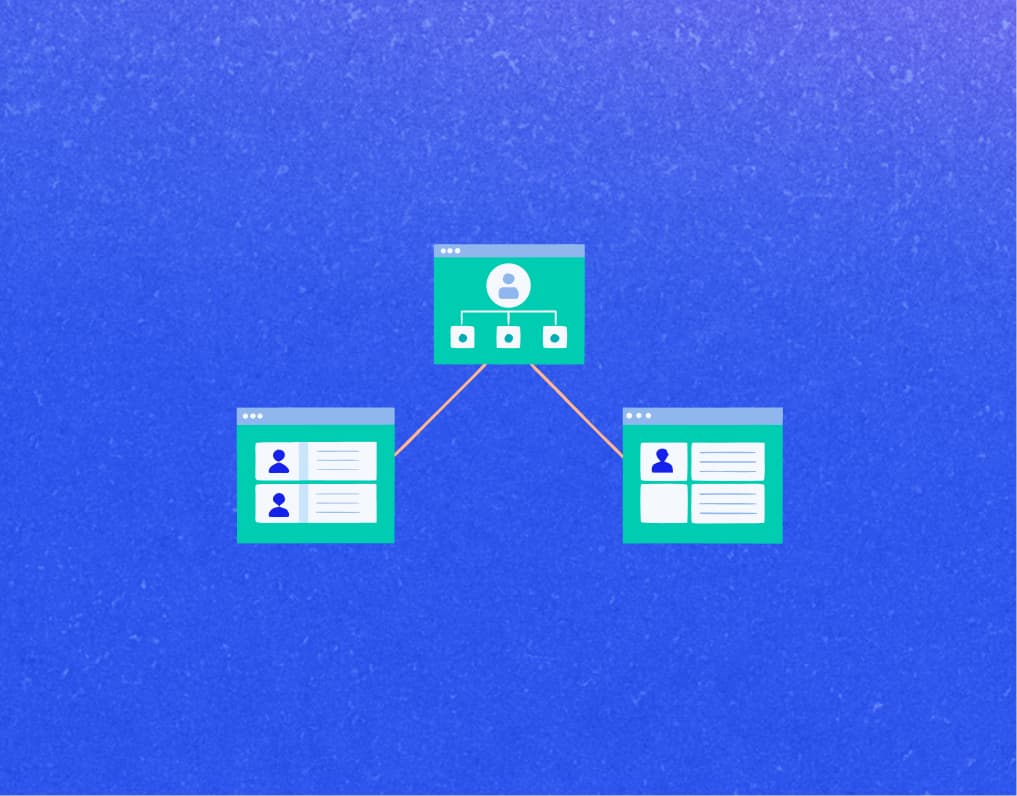
- Client boundary: Which learners, admins, content and data must stay apart?
- Blended delivery: What happens online? What still needs a live workshop or coaching?
- Evidence: What can you report from the training? What business change must you track in another way?
Most firms understand these five decisions. The hard part is following them when a new client needs training next week.
1. Stop making a new course copy for every client
Copying feels safe.
The client gets its own version. Your team can edit it without changing other courses. The programme goes live on time.
But each copy becomes one more course to track, check and update.
If a framework changes across twelve clients, you do not have one update. You have twelve small projects.
The answer is to split what your firm knows from what one client needs.
| Reusable core |
Client-specific layer |
| Main method and key ideas |
Client rules and steps |
| Standard tools and basic lessons |
Client examples and words |
| Starting tests and assessment rules |
Learning paths for each role |
| General practice exercises |
Cohort dates, deadlines and live sessions |
The reusable core should be simple and steady. It is approved, owned and ready to use.
The client layer is where the programme becomes relevant.
For example, keep your change management method in the core. Put the client's team names, software, policies and project dates in the client layer.
A useful test: If a change helps every client, it should be part of the core. If it is only true for one client, it belongs in the client layer.
Try it with your own training material
Choose where each item belongs: the reusable core or the client layer. Complete all six rows to see the suggested split and the reason behind it.
The method changes less than you think
A technology consultant and an HR consultant may look very different.
But they often face the same training problem.
| Consulting work |
Keep stable |
Change for the client |
| Management and change consulting |
Leadership or change method |
Project goals and client examples |
| Technology and implementation consulting |
System or adoption lessons |
Setup, work steps and user roles |
| HR and people consulting |
Manager skills and practice |
Rules, skill models and staff examples |
| Risk and compliance consulting |
Key rules and test method |
Checks, work steps and proof needed |
The consulting method stays recognisable. The situation around it changes.
2. Give each client the right level of separation
When firms see the risk of mixing client data, they may go too far the other way.
Every client gets a separate portal and separate courses. Soon, the firm is running many small learning systems instead of one.
Client separation is necessary.
But full separation is not always needed.
A group or cohort may be enough when
- Your consulting team manages every learner.
- Branding and the course catalogue remain shared.
- The main need is a different schedule or a filtered report.
- The client does not need admin access.
A separate client portal or tenant makes sense when
- The client needs its own brand or learner view.
- A client admin manages its learners.
- Courses or resources must only be visible to that organisation.
- The client needs its own reports.
- Sign-in, data storage or access rules are different.
The decision should come from the engagement, not from habit.
A multi-tenant LMS is designed to manage separate client spaces from one platform. The exact level of separation depends on how the LMS is built and set up. A demo should show more than different logos.
Sign in as a consultant, client admin and learner. Check what each person can see and change.
Does this client need a separate portal?
Select the requirements that apply. The result gives more weight to privacy, restricted content and sign-in rules.
Use this as a planning guide. Confirm security and data needs with the client before choosing the setup.
3. Make the key choices before launch
Most training problems start before the first learner signs in.
They are just easy to miss at first.
Who adds learners? Who answers sign-in questions? What personal data can the client admin see? What will the final report include?
If you do not answer these questions early, you will have to answer them during a busy launch.
| Decision |
Question to answer before launch |
| Outcome |
Who will learn, and what should they be able to do? |
| Content |
What core content is approved? What changes for this client? |
| Access |
Who adds learners, gives support and sees personal data? |
| Evidence |
What data does the client need? Who gets the report, and when? |
| Pilot |
Has someone tested the invite, sign-in, learning path, test and report? |
Design the report during onboarding, not at the end.
This helps the consulting team and the client agree on what the programme should prove.
Client launch checklist
Check an item only after your team and the client have confirmed it. The tool will show the work that still blocks a safe launch.
4. Update one core course, not twelve copies
Your consulting framework will change.
That is good. Your method should improve as your firm learns.
The problem is what happens next.
If every client has a separate copy, one small change becomes a large update task. Some clients get the change. Others do not. Six months later, no one knows why the courses are different.
| If the change affects |
Put it here |
What happens next |
| Every client |
Master module |
Review it once. Then choose when live programmes get it. |
| One organisation, role or engagement |
Client layer |
Keep it out of the master version. |
| A fixed or old programme |
Saved copy |
Lock and label it. Store it until it is no longer needed. |
Each reusable module needs an owner, a review date and a short change note.
You do not need long records. Write what changed, why it changed and who approved it.
If your source files are slides or documents, an AI Course Creator can make an editable first draft. This can save setup time. But an expert must still check the lessons, examples, tests and client facts.
5. Use live time for work that needs a consultant
A consultant’s time is most useful when a task needs skill and judgement.
But many live sessions start with key terms, rule summaries and basic system steps.
These are important. They are also repeatable.
| Before the workshop |
During the engagement |
After the session |
| Key terms, a starting test and basic system steps |
Talk, practice, coaching and client choices |
Tasks, guides, checks and follow-up help |
Moving repeated lessons online does not make the project less personal.
Done well, it makes the personal part more valuable.
Learners start with the same basic knowledge. Consultants can see where they need help. Live sessions can focus on choices, examples and real work.
6. Let clients help without giving them full control
As training grows, consultants often become part-time admins.
They add learners, resend invites, check progress and download reports. Each task is small. Together, they take time away from the client project.
The obvious answer is to give the client access.
But the client should only get the access it needs.
| A client administrator may |
Keep under consulting-firm control |
| Add or remove their learners |
Edit the reusable consulting methodology |
| Put learners in the right group |
Change another client’s settings |
| Monitor reminders and progress |
View cross-client learner data |
| Download an agreed report |
Change access across the platform |
| Get proof of completion |
Publish unapproved course changes |
Test the role with a sample account before launch.
If you cannot explain the access rules in a few sentences, they are not clear enough.
Our guide to branded client portals shows how each client can have its own brand, admin access and reports.
7. Course completion does not prove business change
A clean learning dashboard is satisfying.
It shows who joined, finished the course and passed the test. Clients need this data.
But it does not prove that the engagement changed the business.
| Learning evidence |
Business-outcome evidence |
| Enrolment, activity and completion |
Adoption of a new process |
| Test results and gaps in knowledge |
Fewer work or compliance errors |
| Certificates and overdue learners |
Faster setup or task completion |
| Participation by role, team or cohort |
Findings from a follow-up review |
When tracking and assessments are set up correctly, an LMS can show that a learner finished a course or passed a test.
The consulting team must check if people used the learning and if the business improved.
Agree on both before launch. Choose what learning data you will report. Then choose what business change you will check later.
When does a consulting firm need an LMS?
Not when it gets its first client.
Possibly not when it gets its second.
A consulting firm needs an LMS when its simple training process is no longer safe or easy to manage.
You will see signs. There may be many course copies, manual sign-ups, client admins, private content or version mix-ups. Reports may take hours to make.
If several of these problems happen often, test LMS platforms with a real client project.
Our guide to the best LMS platforms for consulting firms compares seven platforms. It covers client portals, branding, client admins, reports and pricing.
Do not begin with a generic feature list.
Take one real client programme into every LMS demo.
Ask the LMS vendor to show what happens
- Create a second client and show what remains shared or separate.
- Update a reusable module. Show what changes in live programmes.
- Sign in as a consultant, client admin and learner.
- Assign different learning paths or dates to two client organisations.
- Make one client report and one report across all clients.
- Show the sign-in page, emails, learner area and certificates with the client's brand.
A polished feature tour can make almost any LMS look good.
A real workflow is harder to fake.
What this looks like in Blend-ed
This model needs four things: reusable content, separate client spaces, safe admin access and reports for each client.
Blend-ed is an AI-powered LMS built on Open edX. Its published features include reusable learning content, separate client organisations, client-level administration and reporting, and support for online and live training.
Do not judge an LMS from its feature page alone. During the demo, use one real client programme. Add the content, create the consultant, client admin and learner roles, and produce the report that the client expects. This test will show whether the platform fits your delivery model.
See how Blend-ed supports consulting firms that deliver training to clients.
Frequently asked questions
Can one LMS manage training for multiple clients?
Yes. The LMS must group learners, courses, access and reports by client. A simple programme may use a group. A client that needs its own brand, admin, course list or data rules may need a separate portal.
Does every consulting client need a separate portal?
No. A group may be enough when your team manages all learners and clients share the same brand and courses. Use a separate portal when a client needs its own admin, private content, reports or learner view.
Can consulting firms reuse the same course for different clients?
Yes. Keep your main method and basic lessons in one reusable core. Add each client's rules, examples, roles, words and dates in a separate layer.
How can consulting firms keep client learner data separate?
Set the access rules before launch. Learners, client admins and consultants should only see the clients and records they need. Test each role with a sample account. Write down who can access, store and report the data.