Issue digital badges that learners share on their professional profiles.
Blend‑ed issues badges through Credly or Accredible when a learner meets the requirements you set. A badge is separate from the certificate, and the badge platform verifies it.

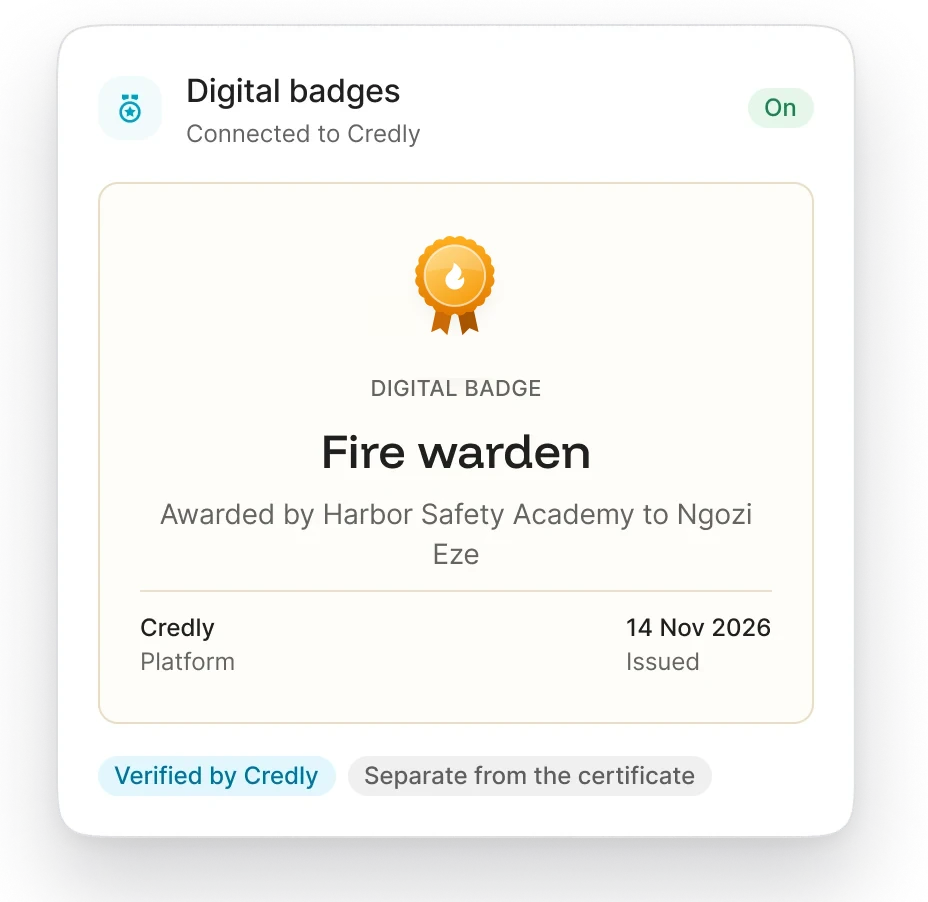
Badges, certificates and achievements.
Digital badge
Certificate
Achievement badge
What earns it
The requirements you set, such as completing a course
Meeting the course's certification rules
Activity, such as a learning streak or a first course finished
Where it lives
On Credly or Accredible, shared to the learner's profiles
In Blend‑ed, on its own page
In the learner's achievements in Blend‑ed
Who checks it
The badge platform
Anyone with its link
No one outside Blend‑ed
How a badge is earned.
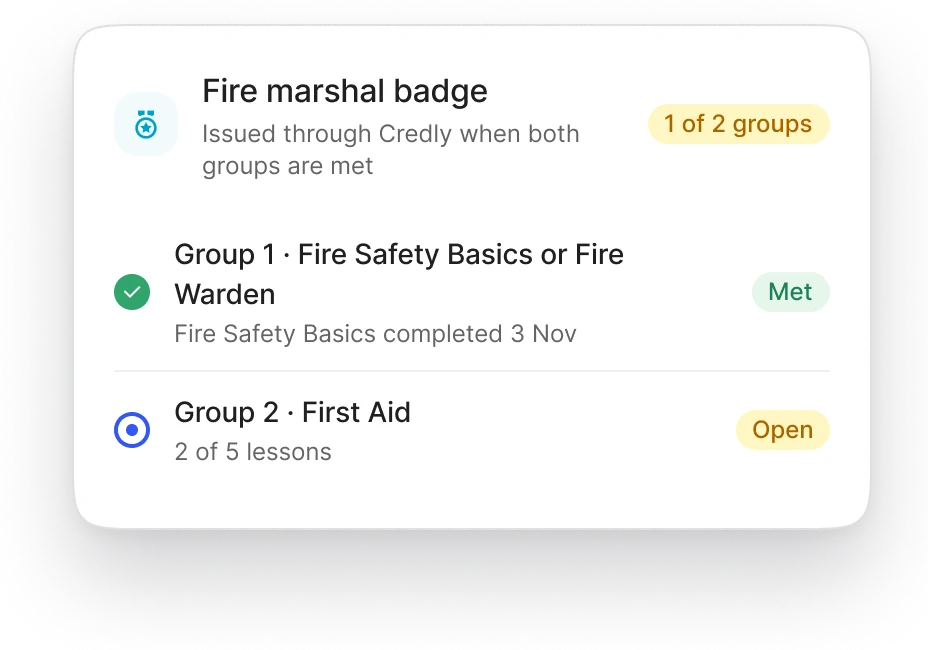
Requirements: each badge has one or more, such as completing a particular course.
Groups: inside a group, any one requirement is enough. Across groups, every group has to be met. For example: complete Fire Safety Basics or Fire Warden, and complete First Aid.
Penalties: progress toward a badge can reset, for example when a grade drops below the pass mark.
Issued automatically once every group is met.

Setting it up.
Connect your Credly or Accredible account, choose the badges Blend‑ed issues, and switch badges on for your organization. You design each badge on the badge platform.
Related.
Part of Certificates
Community and engagement: achievement badges, points and streaks inside Blend‑ed.
Integrations and developer tools: the Credly and Accredible connections.

Show us the badges you'd like to give.
We'll set up one badge with you and show it reaching a learner's profile.