Schedule, fill and run every classroom training date in Blend‑ed.
Put each date on sale with its venue, trainer and seats. Blend‑ed takes the bookings, checks learners in and turns the register into certificates and client reports.

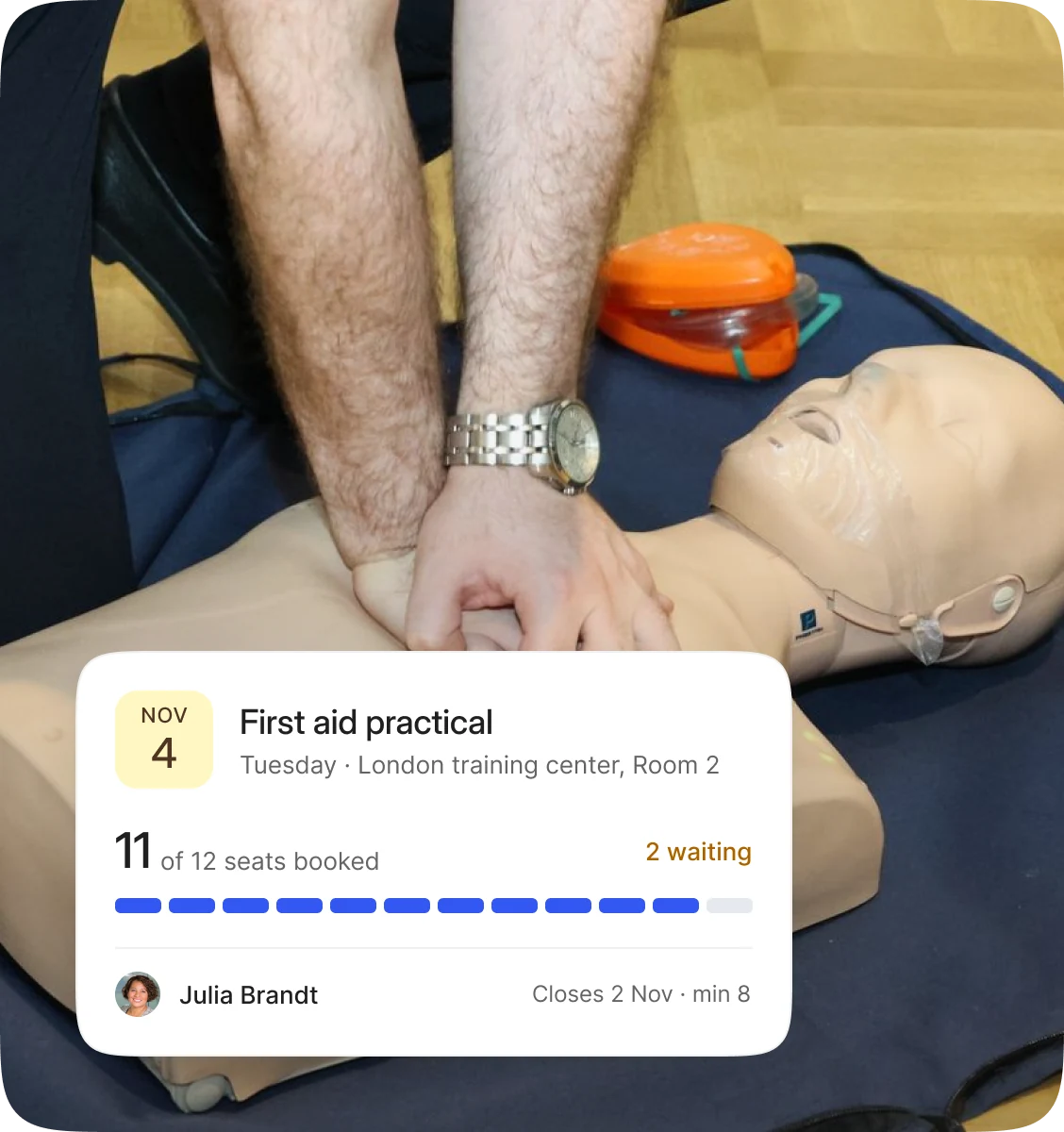
One classroom date, from on sale to signed off.
Before the day
1
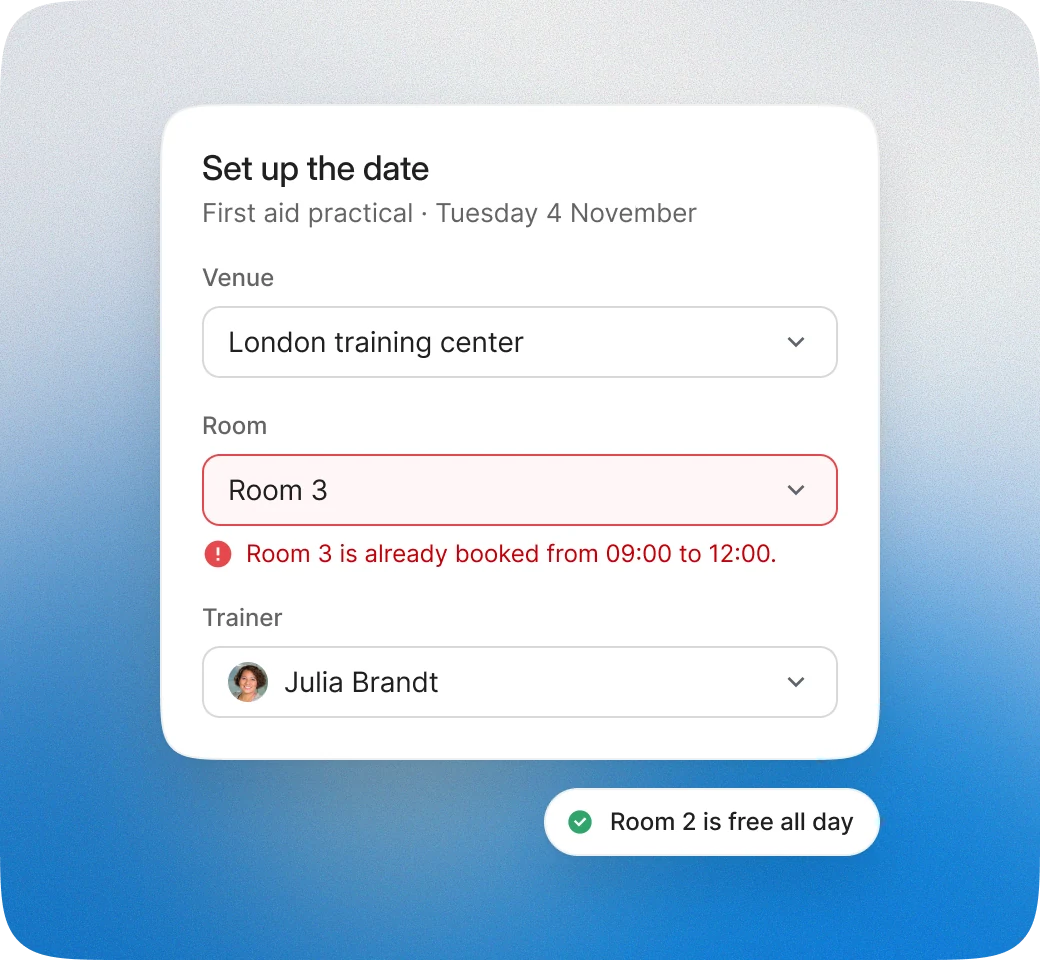
Set up the date. Pick a saved venue and room, the trainer and the seats. Blend‑ed warns you if the room or the trainer is already booked.
2
Put it on sale. The date goes on the course page with its seats left. Learners pay at checkout, and companies buy seats online or on an invoice.
3
Take the bookings. Learners book and change dates before your cutoff, and no seat is sold twice. A full date gets a waitlist that books learners in as seats free up.
4
Decide whether it runs. Set a minimum number of bookings. If the date falls short, Blend‑ed can cancel it automatically at the cutoff and ask learners to choose another.
5
Tell learners where to be. Each booking comes with the venue, the room and a map, a calendar invite and reminders.

On the day
6
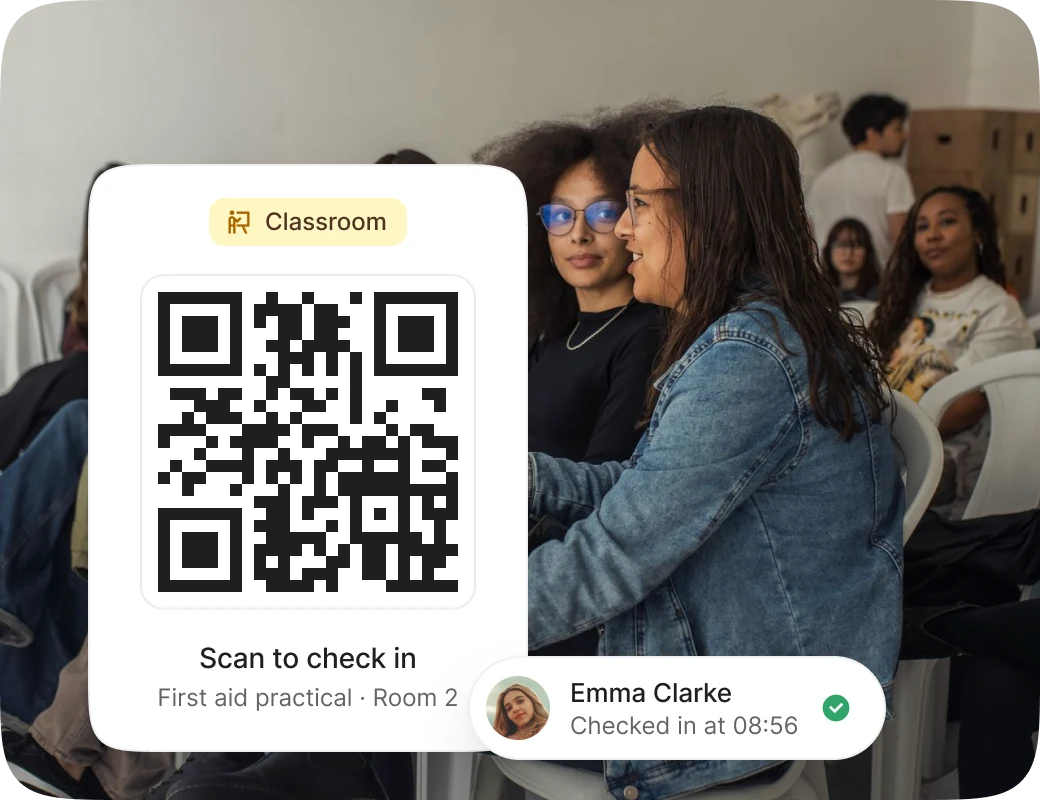
Check in at the door. Learners scan the session’s QR code in your mobile app, and the check-in lands on the trainer’s register. The trainer marks anyone who didn’t scan, day by day.
7
Assess the practical. The trainer marks each learner against your rubric and signs off a pass or a fail.

After the day
8
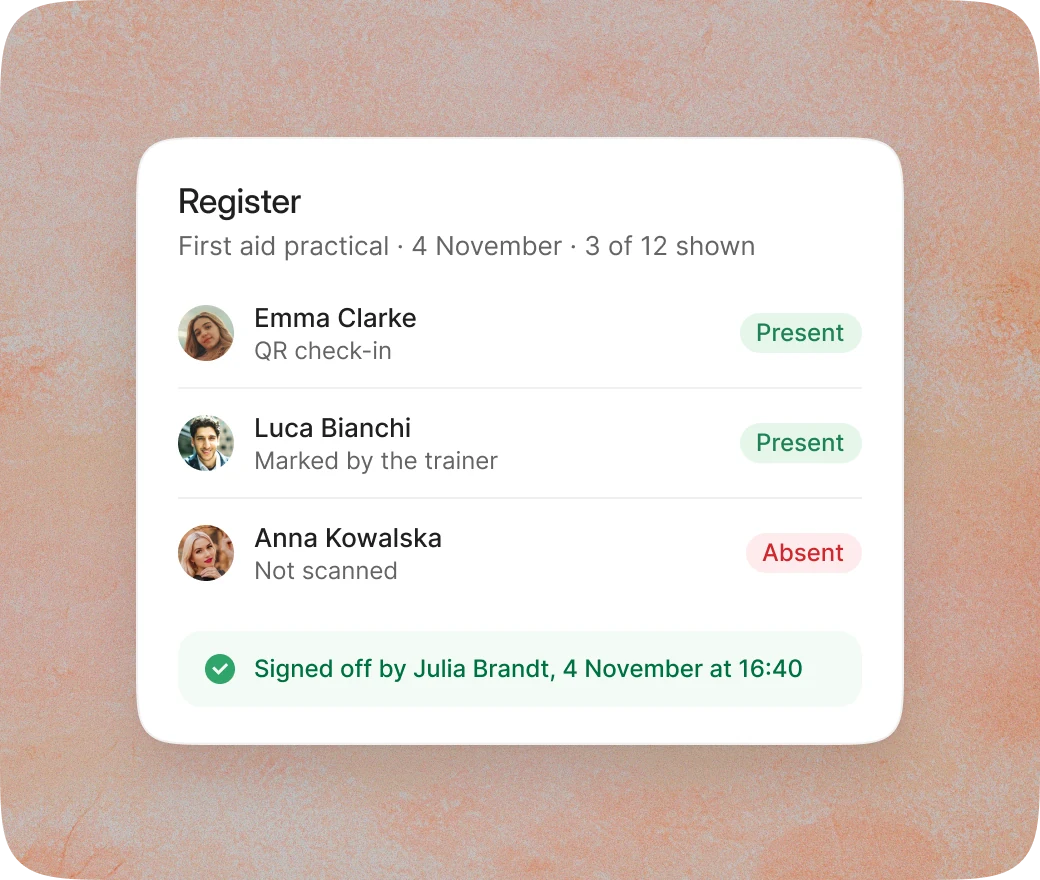
Sign off the register. The trainer reviews the attendance and signs it off. Each correction keeps the original entry, who changed it, when and why.
9
Issue the certificates. Learners who met the attendance minimum and passed get their certificate, with its number and expiry date. Anyone who missed a day books a make-up date.
10
Report it. Each corporate client sees its own employees’ attendance and certificates. Auditors get read‑only access to the registers and every correction.

“
There are some courses that are face-to-face because it’s a requirement like the state … requires that it be that way.
Rose Gerard
Owner, Omni Train Solutions (New York)
Every kind of classroom training.
Classroom
Public courses on set dates
Run each course in dated batches, with seats sold to individuals and companies on the same date.
Classroom
Multi-day courses
One booking covers every day, with attendance for each. A learner who misses a day makes up only that day, on another date.
Classroom
The same session on many dates
Run one session on up to 52 dates for learners to choose from. Change one date without touching the rest.
Classroom
A day sold on its own
Sell a one-day refresher or workshop with its own price and a session certificate.
Hybrid
Hybrid dates
Teach a room and an online group at once, with separate seat limits and one register.
Classroom
Live online
A format for each date
Run the same session in a classroom one week and online the next, with no separate course for each.


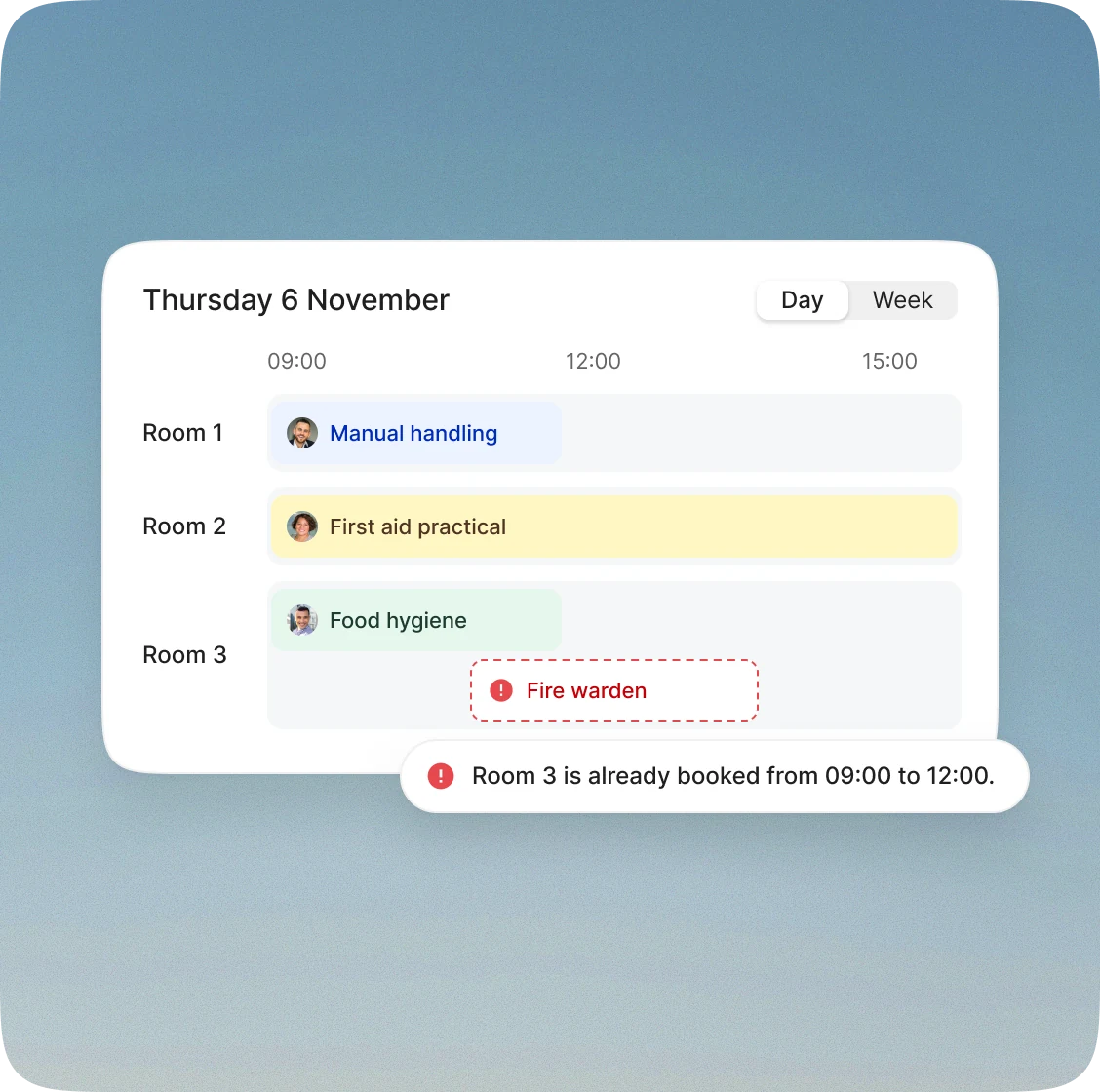
Trainers, rooms and dates in one calendar.
See every batch, session date, trainer and room across the week, with clash warnings for trainers, rooms and equipment.
Venues, saved once with their address, rooms, capacity, equipment and time zone.
Trainers, assigned to a date or a whole batch, get its learners and register, and lose access when taken off.
Freelance trainers get only what they’re assigned, never wider access.
Trainer profiles with their qualifications, to check before you assign a course.
Trainer utilization: the sessions each trainer delivered in a period, to plan next term.
Moving a date: bookings stay, learners are told, and they get a set time to cancel for free.
Classroom training alongside the rest of your training.
When you also run
How it works with your classroom dates
The online theory comes first, and the classroom date opens for booking once it’s done.
The same session runs online on another date, or on a hybrid date with both kinds of seat.
A closed course on dates reserved for one company, whose administrator books the staff.
Classroom hours count toward CE credits, and a refresher day renews the certificate.

Bring next month’s classroom dates.
We’ll set one up with you in the demo, from the venue and the trainer to the register and the certificate.