Plan a course in your AI assistant, then build it in Blend‑ed with one prompt.
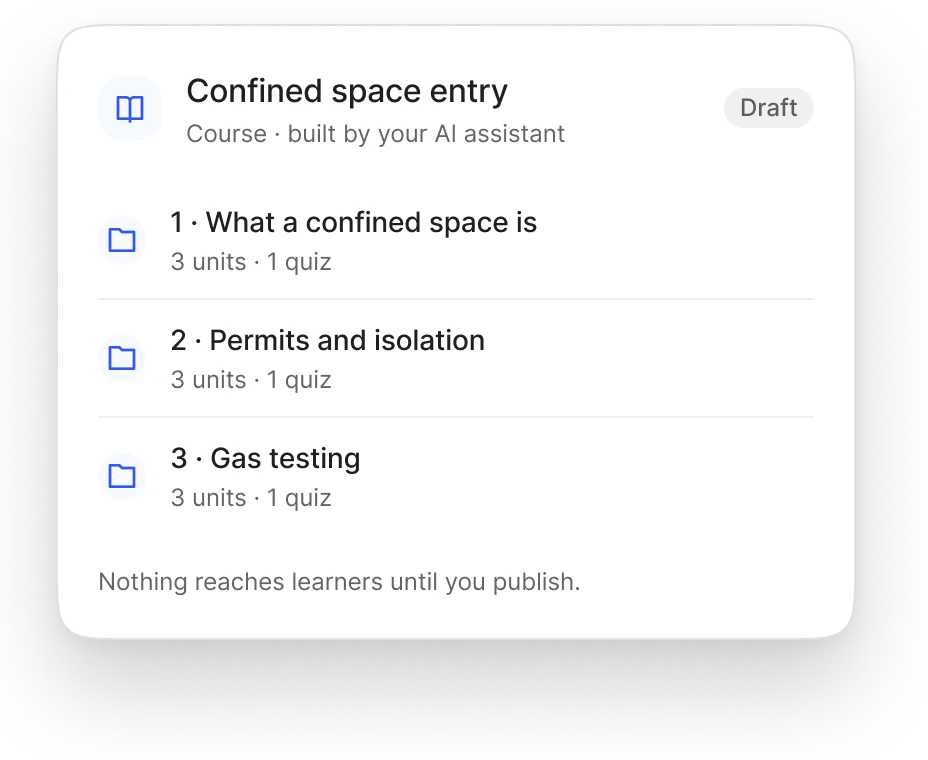
Your assistant creates the course in Blend‑ed as a draft, fills in its components and media, and publishes it only when you confirm.
How it works.
1
Plan where you already work
Research, outline and script the course in Claude, ChatGPT or Gemini.
2
Ask it to build
One prompt creates the course in Blend‑ed as a draft, from a template or blueprint if you choose, with its sections, subsections and units in one go.
3
Fill it in
The assistant adds the components your platform offers, uploads images and files, sets the course card and banner images, and places videos, including ones already in your video library.
4
Change it together
The assistant reads the draft outline, any component and the course settings, so you ask for changes as you would ask a colleague: rewrite a unit, move a quiz, update the settings.
5
Publish when ready
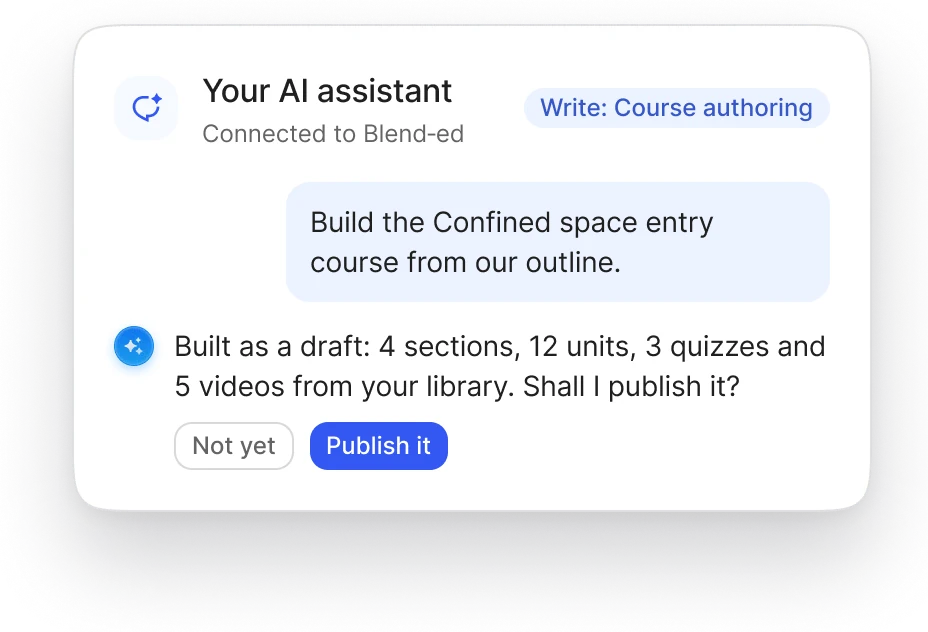
The assistant shows what will go live and waits for you to confirm that exact request.

Limits worth knowing.
Draft first
Nothing reaches learners until you confirm a publish.
Partial builds are reported
If one part of a large build can't be created, the assistant says which, and everything else stays in the draft.
Checked uploads
Images and files are checked and capped in size before they're added.
Copies and deletions wait too
Copying a whole course asks for confirmation, and deleting also needs a key with the Destructive scope.
Your organization only
Every course and component is checked against your organization before it's read or changed.
The key
Read access to course content to work on existing courses, and Write: Course authoring to build and change them.
Related.
Part of MCP server: what MCP is, and the safety rails on every request.
AI course creator: build a course from your documents inside Blend‑ed.
Course studio: review and edit the draft.
Courses and sessions: everything else about building courses.

Bring an outline from your AI assistant.
We'll build it as a course in Blend‑ed with you, in the demo.