Spot learners who are falling behind, and send each one the right message.
Blend‑ed checks five risk factors for every learner. You see who is at risk and why, and one click sends the learner the message you wrote for that factor.

How it works.
1
Five factors, checked for every learner
Attendance, recent activity, learning streaks, engagement score and course progress.
2
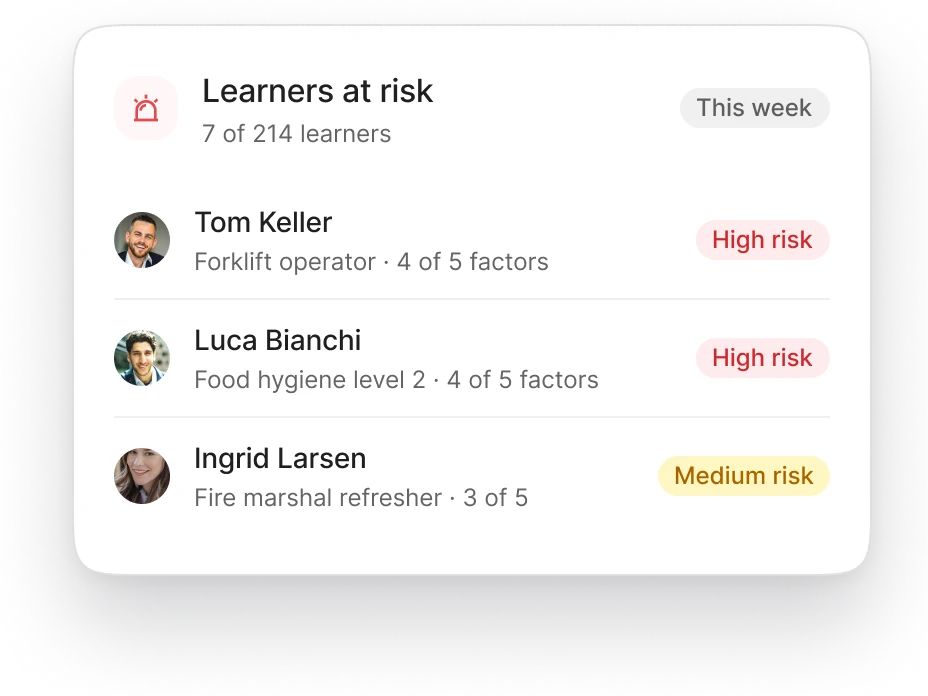
At risk, in the Learners report
Each learner has a risk status, and the top of the report counts how many are at high risk.
3
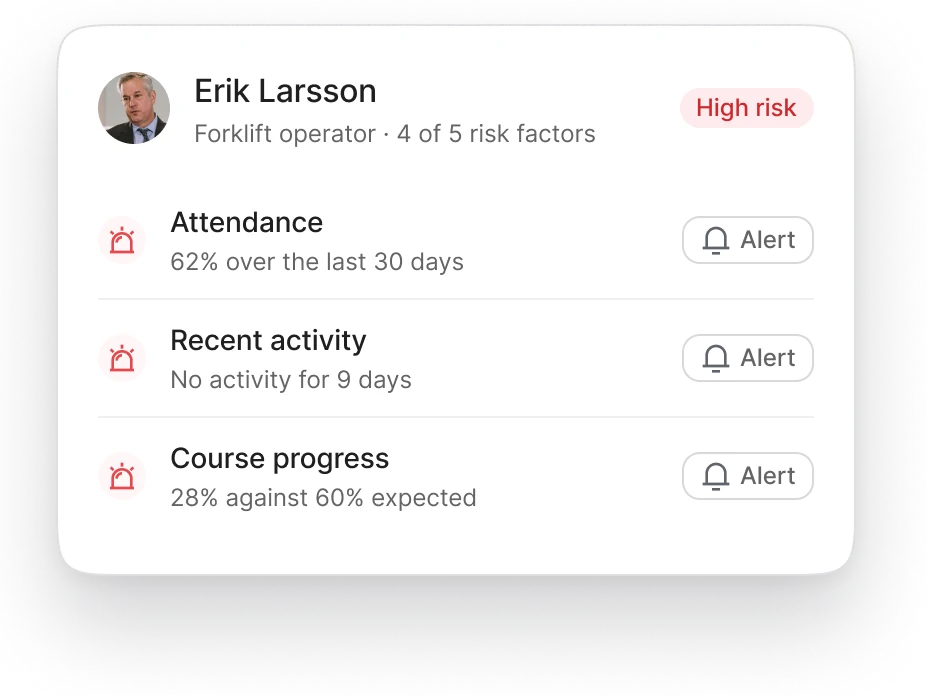
The reasons, in the learner's report
A counter shows how many factors apply, such as 4 of 5, with an Alert button beside each one.
4
The message, on their phone or in their inbox
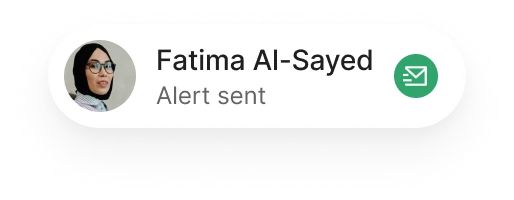
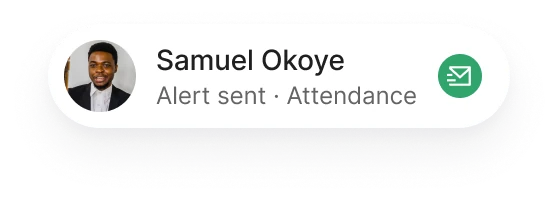
The learner gets your message for that factor, with their own figure in it, on the channels you choose for risk alerts. The alert stays on the learner's record.

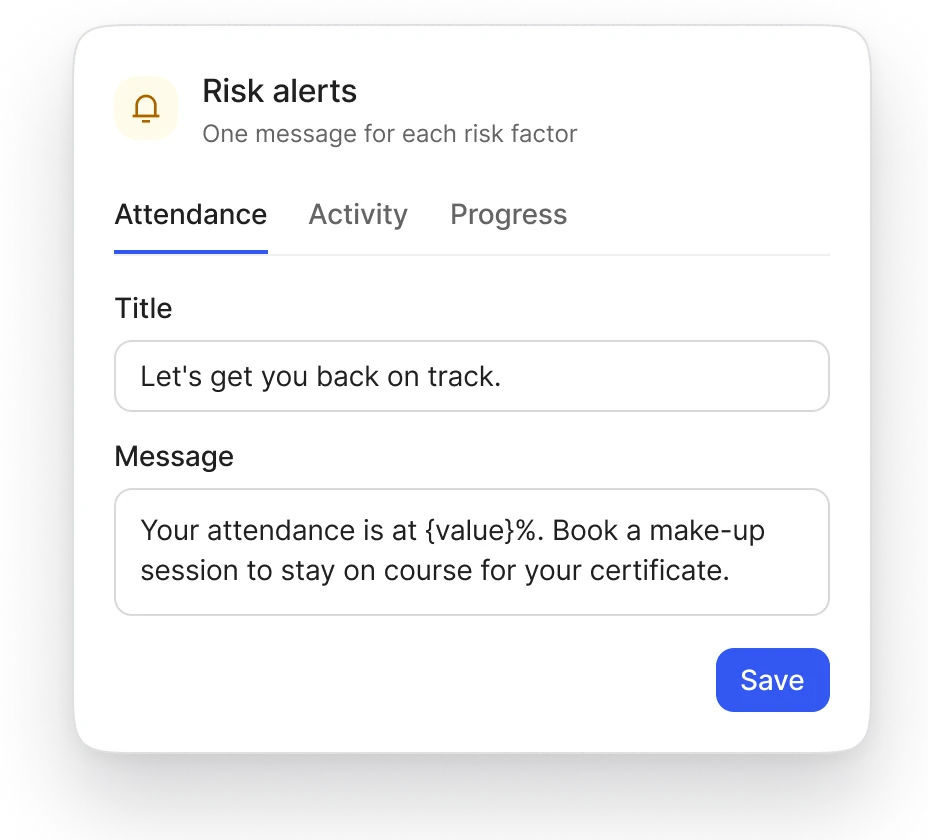
Write each message once.
One message for each factor: a title and the message itself.
The learner's own figure: insert {value}, and it becomes their number when the alert is sent, such as their attendance percentage.
Preview before saving, and Reset to default to go back to Blend‑ed's wording.
Channels: email, in the app or as a push notification, set with your other notifications.

Related.
Part of Analytics and reporting: every report in Blend‑ed.
Course and learner reports: the Learners report and each learner's report.
Automated reminders: the other messages Blend‑ed sends on time.
Reporting through your AI assistant: ask your own AI assistant which learners are at risk.

See who would be at risk in your courses.
We'll show you the five factors on sample learners, and write your first alert with you.