Pull Blend‑ed reports into the AI assistant your team already uses.
Ask Claude, ChatGPT or Gemini for your training figures, and the MCP server answers from Blend‑ed, with a read-only key that can't change anything.

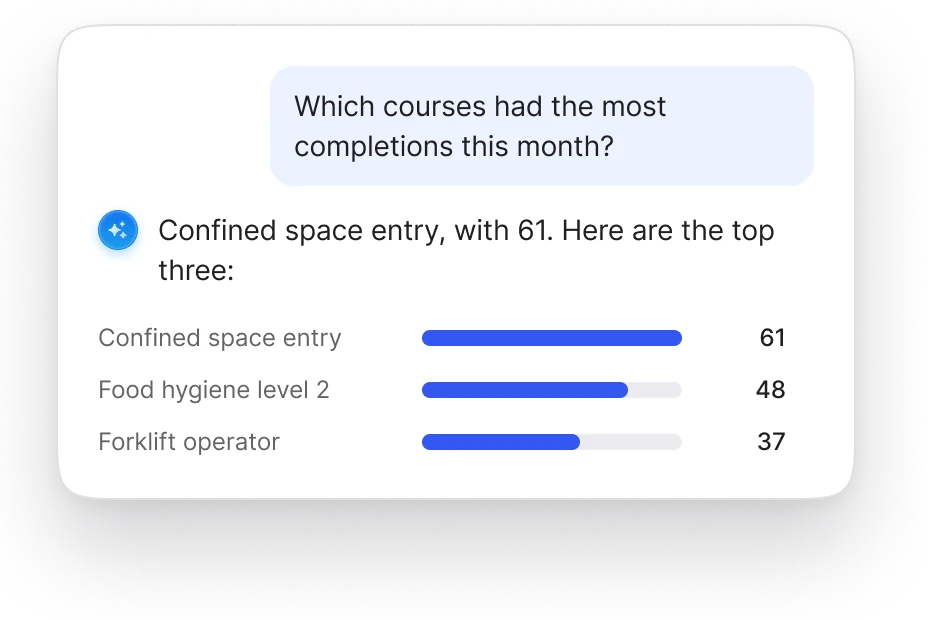

Questions about reporting from your assistant.
The analytics overview, enrollments and completions by course, learner lists, learners at risk, the leaderboard, recent activity, a user-list export, and your plan usage and AI credits. A key for your whole account adds the list of your organizations and analytics across all of them.
Not if you give it read scopes only: Analytics, Users, Billing, Activity and Course content. With those, it views and never creates, updates or deletes.
No. A key never goes beyond the access of the person who created it, so a key made by a staff member reports only what that staff member can see.
Anything you'd do with figures in a conversation: a summary for a client review, a chart, or a comparison with a spreadsheet you've shared with the assistant.
AI analytics answers questions inside Blend‑ed. This brings the same figures into the assistant your team already works in. AI analytics →
Related.
Part of MCP server: what MCP is, and the safety rails on every request.
Analytics and reporting: every report inside Blend‑ed.
At-risk learner alerts: what makes a learner at risk.
Run administration through your AI assistant: how to create and connect a key.

Ask your assistant for a report in the demo.
We'll connect it to Blend‑ed with a read-only key and pull your first report with you.