Decide when learners reach each part of a course.
Three controls work inside any course. A guided path sets the order, scheduled release sets the dates, and prerequisites set what must be passed first. Use one, two or all three.

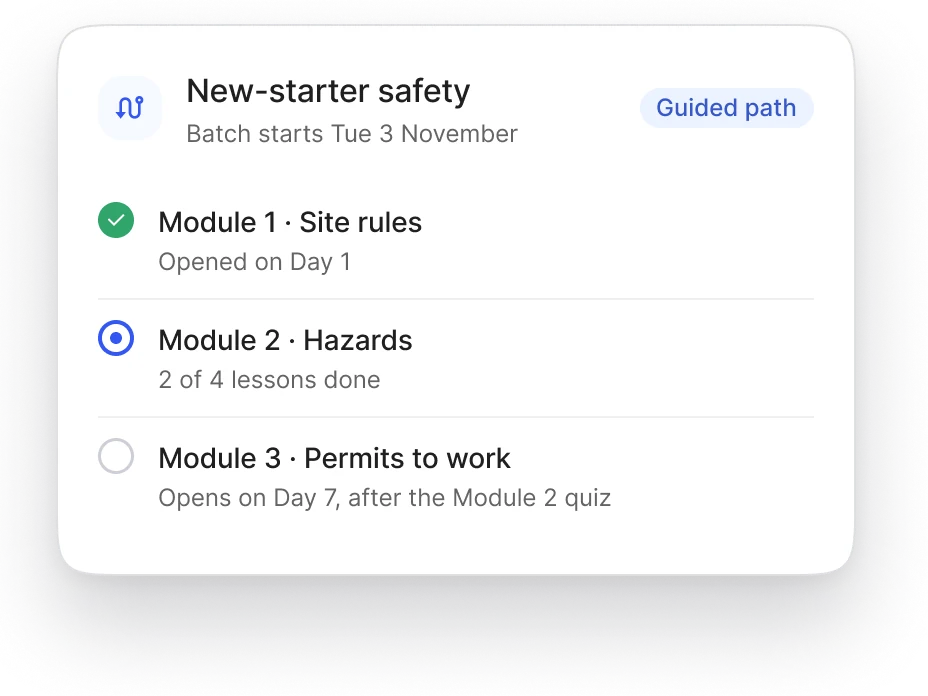
Three controls, each with its own settings.
Guided path
Off by default.
Opens the course one step at a time, piece by piece or lesson by lesson.
Optional pieces never block the path.
Scheduled release
Open a section on a calendar date.
Or open it a set number of days after the start, such as Day 1, Day 3 and Day 7.
Count the days from the batch start date or from the day each learner joins. Every new batch gets its own dates, with nothing to rebuild.
Prerequisites
Any section, lesson or piece can wait for an earlier one: completed, or passed with the minimum score you set.
A course can also require other courses before a learner enrolls.
Checked on the server, so a locked lesson stays locked even when opened from a link.
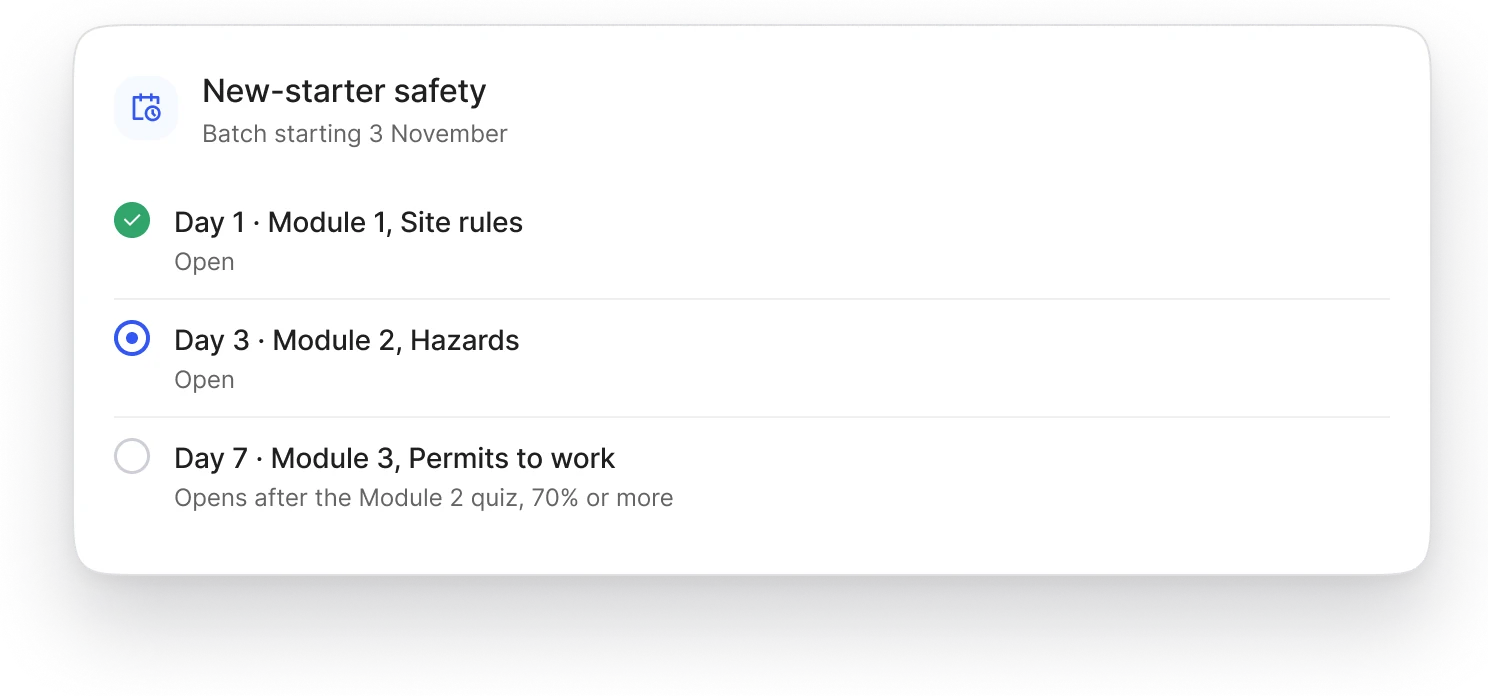
One course, all three controls.

1
Module 1, Site rules: open on Day 1.
2
Module 2, Hazards: opens on Day 3.
3
Module 3, Permits to work: opens on Day 7, once the Module 2 quiz is passed with 70% or more.
4
Inside each module: a guided path, so lessons open one after another.
The next batch, starting on 1 December, gets the same pattern from its own start date.
Related.
Part of Courses and sessions: where you build the course.
Unlock rules and gating: the same idea for whole courses and sessions in a program.
Scheduling and booking: release dates and deadlines inside each batch.
Cohorts and batches: the batch dates that releases count from.

Show us how your course should unfold.
We'll set its order, release dates and prerequisites with you in the demo.