Choose what the AI tutor answers from.
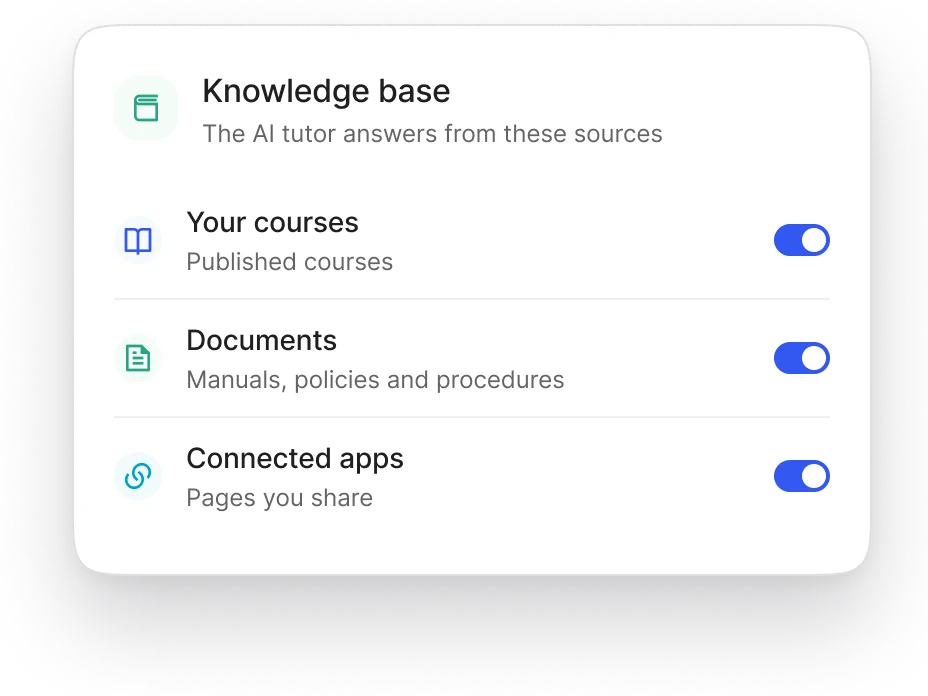
For every question, the AI tutor searches three sources together, your courses, your documents and your connected apps, and answers from what it finds there.

The three sources.
Source
What goes in
How it gets there
Your courses
The content of your published courses.
From your courses, with nothing to upload.
Documents
Manuals, policies, procedures and reference files, as PDF, Word, PowerPoint or Excel.
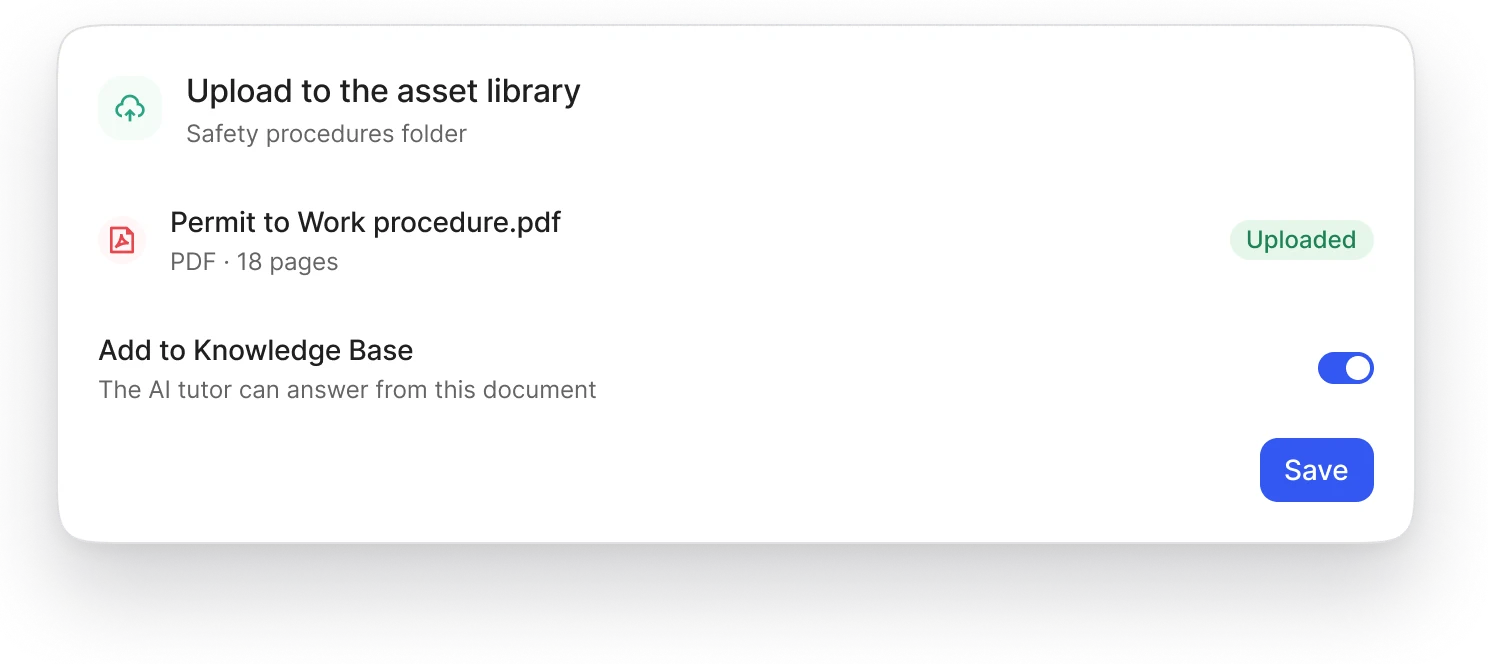
Upload them to your asset library with "Add to Knowledge Base" switched on, or switch it on later from a document's details.
Connected apps
Pages from the apps your team already keeps knowledge in.
We connect the app with you. The tutor reads only the pages you share with that connection.

What learners can reach.
Each organization separately: every organization in your account has its own documents and connected apps, and one organization's never answer another's learners.
What a connected app shares: every page shared with the connection can reach any learner in that organization who asks about it, so share only what learners may read.
What to leave out: the knowledge base shapes what the tutor tells learners, so keep out drafts, internal notes and anything out of date.
AI credits: searching a connected app uses none; writing the answer uses credits, like any tutor reply.
Related.
Part of AI tutor: how the tutor teaches from these sources.
Video and document library: where documents are stored.
Multi-organization management: organizations kept separate.

Bring a manual, and ask the tutor about it.
We'll add one of your documents to the knowledge base in the demo and ask the tutor a question your learners ask.