Group learners into teams, and give a whole team its training at once.
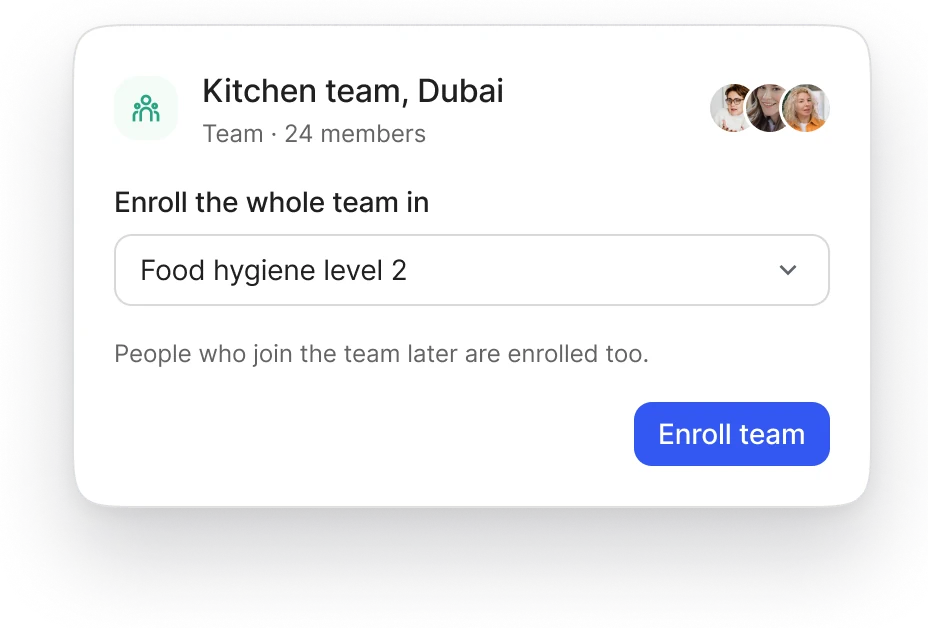
A team holds people who train together, such as one department or one client's staff. Enroll the team once, and new members get the same training when they join.

How it works.
1
Create the team
Give it a name, a description your successor will understand, and a parent team if it belongs under one.
2
Add its members
Search for people and add them. Taking someone off a team doesn't remove them from Blend‑ed, and doesn't take away courses they joined through it.
3
Enroll the whole team
Link the team to a course, a program or a learning path. Everyone in it is enrolled, and so is everyone who joins the team later.
4
Give it competencies
Everyone on the team gets the team's competencies on their skill passport, including people who join later.
5
Message it and follow it
Send a notification to the whole team, and see completions and activity for each team in your reports.

Parent teams organize. They don't pass anything down.
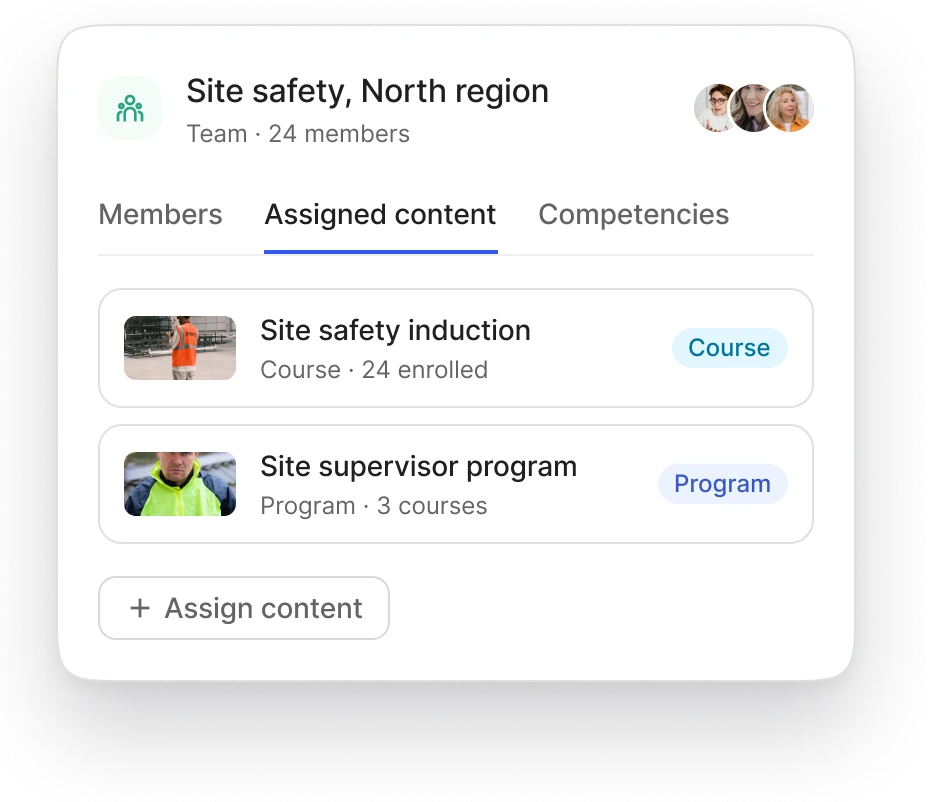
Put regional teams under a national team, or teams under a department, and the team list shows the structure. Enrollments, competencies and members stay with each team, so enrolling a parent team reaches only its own direct members. Two levels are usually enough.
Related.
Part of Administration: roles, teams, settings and sign-in.
Cohorts and enrollment: every other way to enroll learners.
Bulk enrollment: enroll a list from a spreadsheet.
Competency frameworks: the competencies a team can hold.
Learning paths: paths you can give a whole team.

Show us how your learners are grouped.
We'll set up two of your teams in the demo and enroll one in a course.