Let staff and learners sign in with the account they already have.
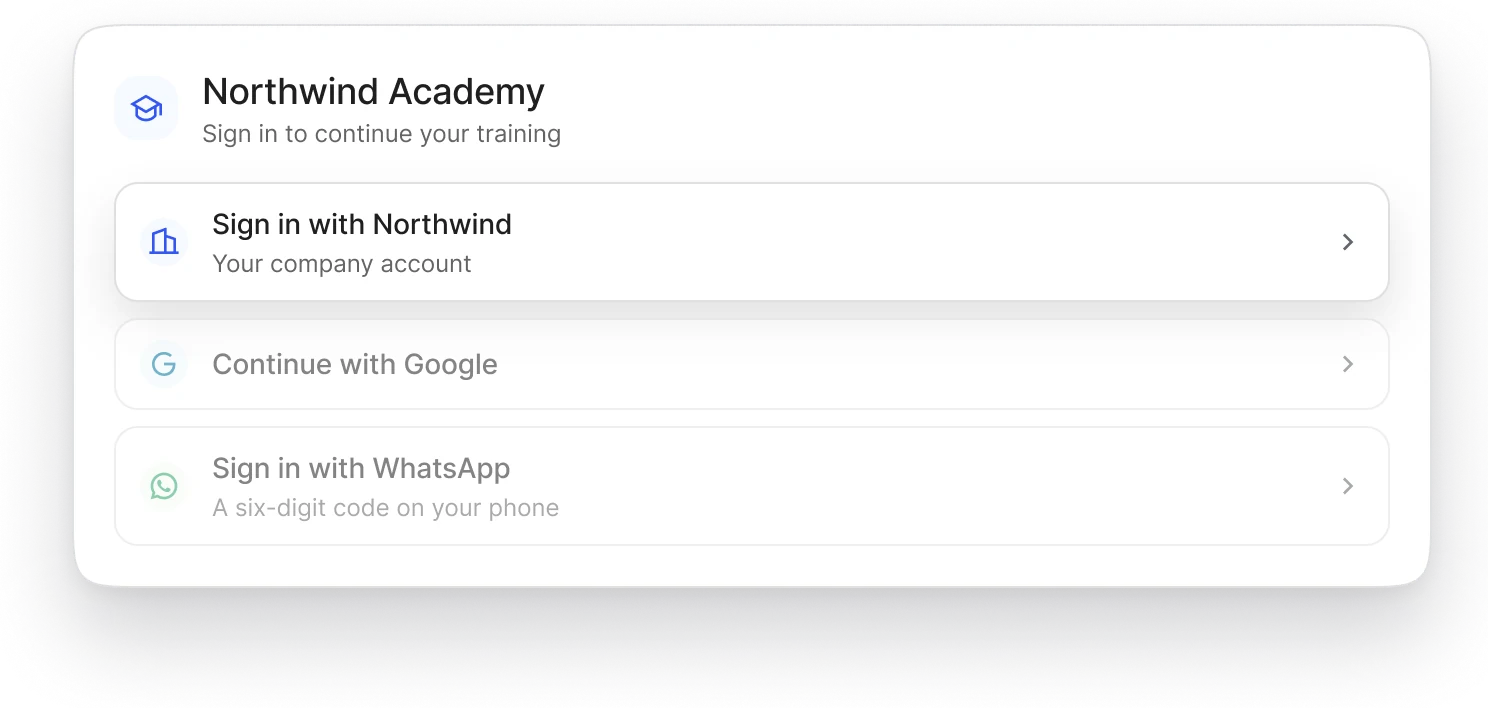
Blend‑ed connects to your organization's identity provider for single sign-on, and gives learners without a company account a social sign-in or a one-time code on WhatsApp.

Four ways to sign in.
Who it suits
How it works
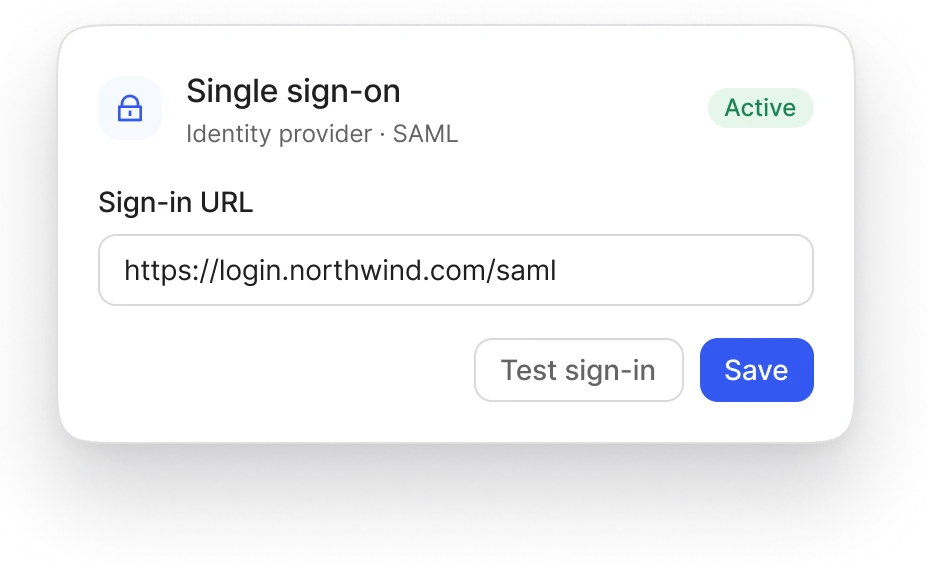
Single sign-on
Staff and learners with a company account
Blend‑ed connects to your identity provider through SAML or OpenID Connect, and people sign in with the account they use at work.
Social account
Learners without a company account
They sign in with an account they already have elsewhere.
WhatsApp code
Learners who do their training on a phone
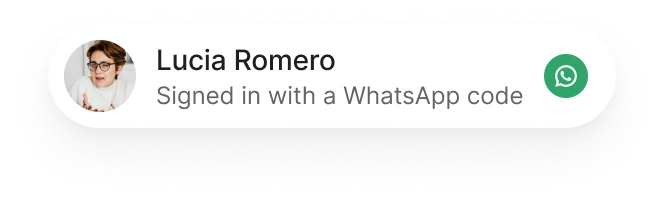
They enter their phone number, get a six-digit code on WhatsApp and are signed in, with no password to remember.
Email and password
Everyone
Always available, and the way back in for staff and administrators.
Rules for every way in.
Sign-in never grants staff access
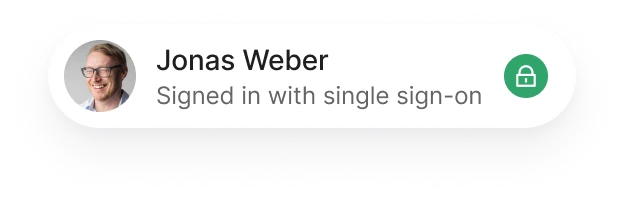
Single sign-on proves who someone is. What they can do comes from the role you give them in Blend‑ed, and an invitation never carries a staff role.
Phone-only learners
A learner who signs in with WhatsApp can be asked for an email address once, or go straight in. We set this up with you.
One account across academies
People in more than one of your academies sign in once and switch between them. Multi-organization management →
The app too
Learners sign in to your mobile app with their company account. Mobile app →
Related.
Part of Administration: roles, teams, settings and sign-in.
Roles and permissions: what each person can do once signed in.
Integrations and developer tools: every system Blend‑ed connects to.

Tell us how your people sign in today.
We'll show you the same sign-in on Blend‑ed, in your brand.