Link every lesson and question to the skills it teaches.
AI suggests skill tags for your course content. Your course author decides which to apply, and from then on learners earn each skill as they complete the work.

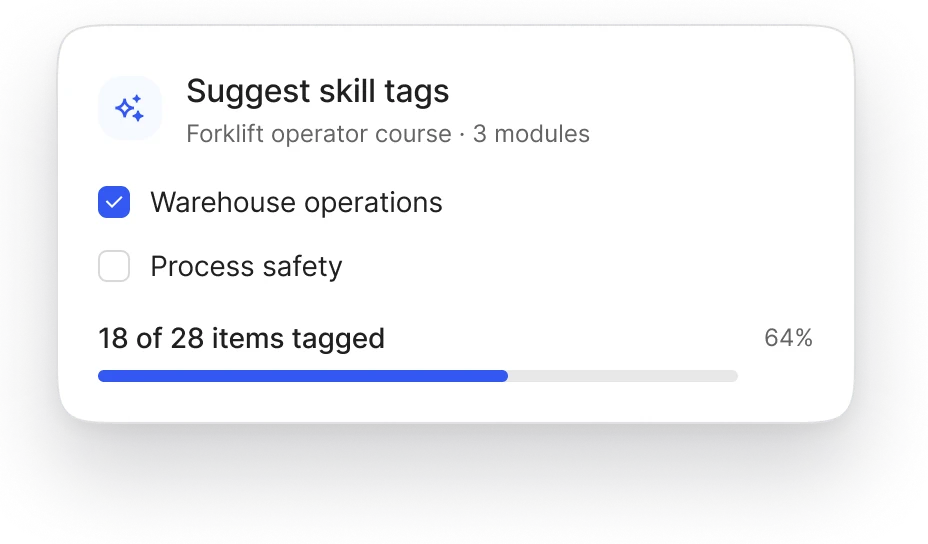

How tagging works.
1
Choose what to tag
Pick the taxonomies to tag from, and the kinds of content: lessons, videos, questions, or all of them.
2
AI suggests tags
It reads each piece of content and suggests the skills it teaches. Tagging runs in the background while you work, and uses AI credits.
3
Review and apply
Your course author previews every suggestion and applies the ones that fit, or applies them all in one step.
4
Learners earn skills
A skill goes on the learner's skill passport when they complete a tagged lesson, or answer a tagged, graded question correctly.

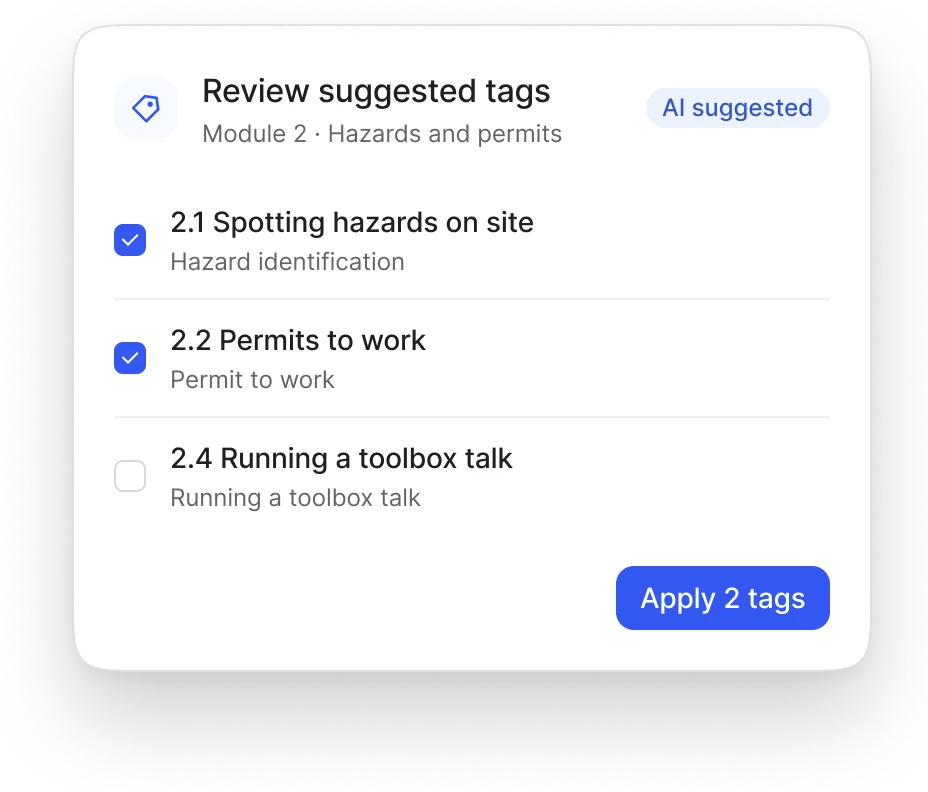

Tag by hand, too.
Add or remove a skill on any section, lesson or piece of content, without AI.
Give one piece of content several skills.
Clear every tag from a course in one action, and start again.
Export a course's tags to check which skills it covers.
A tag records a skill only when the learner does the tagged work. Competencies attached to a whole course work differently, and are set in competency frameworks.
Related.
Part of Skills and competencies: from the framework to the passport.
Skills taxonomy: the skills you tag with.
Skill passport: where learners see the skills they earn.
Course studio: where you build the content you tag.

Tag one of your courses in the demo.
Bring a course and a list of skills. We'll tag it with AI together and review the suggestions with you.