Give auditors read-only access to the records they inspect.
The Auditor role reads reports, exports and analytics for the courses or programs you choose. It can't change anything.

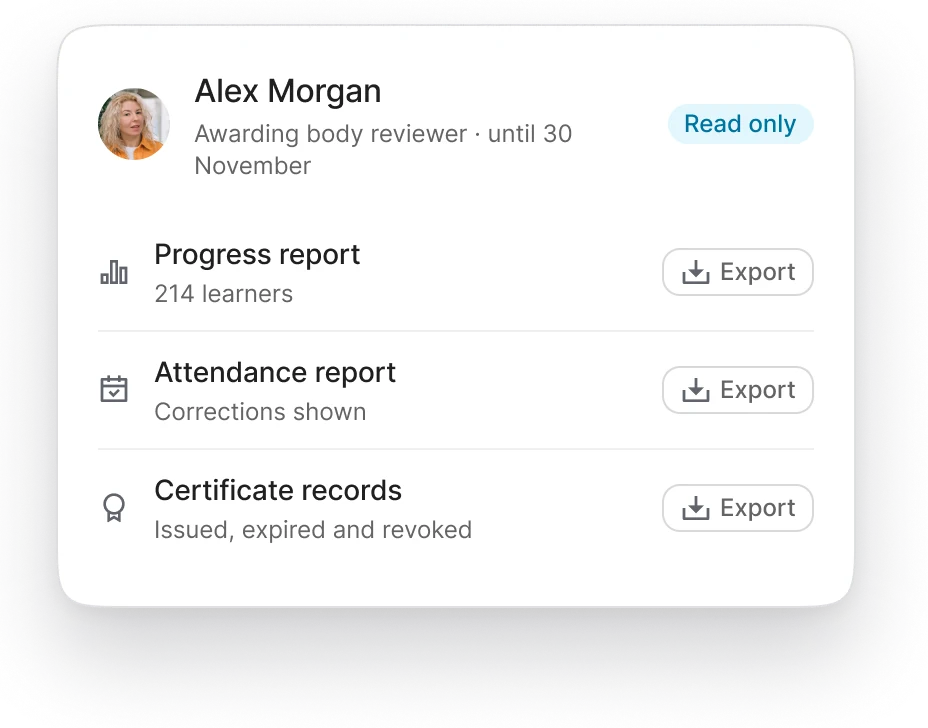
What an auditor can and can't do.
Can
Read progress, attendance and certificate reports, and export them
See the history of every attendance correction
View your analytics, your batches, the people in scope and your client list
View invoices and payment status, unless you remove it
Can't
Change a result, an attendance entry, an enrollment or a course
Enroll learners, book dates, send messages or refund
Open or edit course content
Moderate course discussions
Give access in three steps.
1.
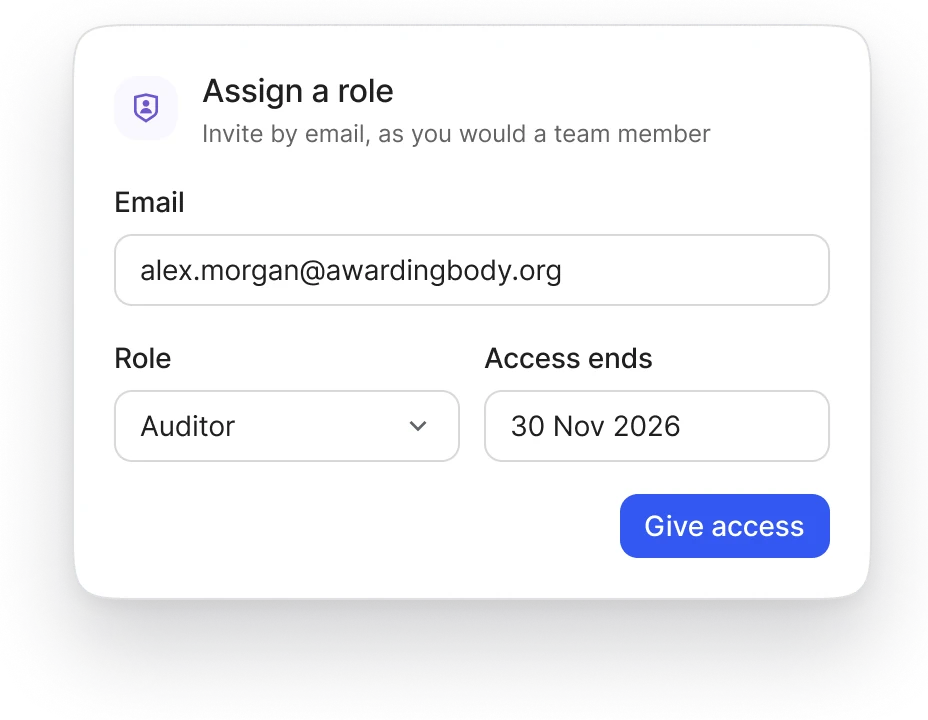
Invite the auditor by email, as you would a member of your team.
2.
Give them the Auditor role, for your whole organization or only the courses and programs they're inspecting. A program covers the courses and sessions inside it.
3.
Set an end date if you want one, and their access ends on its own when the audit is over.
Each step is written to the audit trail.

Make the role fit the audit.
Rename it,
for example to "Awarding body reviewer". The name changes, and the access stays the same.
Narrow it,
for example by removing billing.
Copy it into a custom role
for a reviewer who also needs to read course content, such as an internal quality reviewer.
Only people who manage roles can change it, and Blend‑ed shows who a change affects before it's saved.
Related.
Part of Compliance and audit: the records auditors inspect.
Evidence exports: the files auditors download.
Audit trail: the history of every change.
Roles and permissions: the seven ready-made roles and custom roles.
Attendance tracking: attendance records and their corrections.

Bring the checklist from your next audit.
We'll set up an auditor's access with you and show you what they'd see.