Your learning app, under your own name, on iOS and Android.
The app is listed under your training brand. Learners see your name on their home screen and your logo and colors inside, on the same platform and the same account as the web.

Where your brand shows.
Part of the app
What learners see
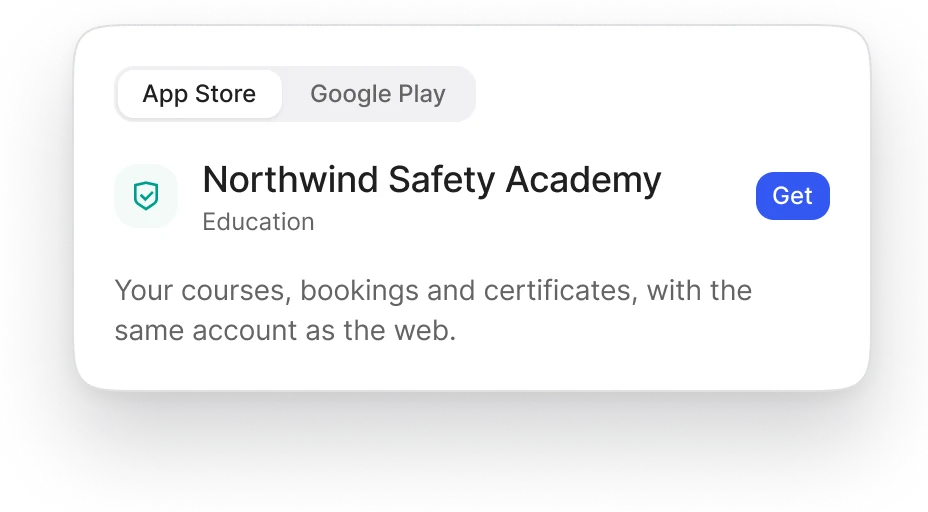
Store listing
Your app name and listing on the Apple App Store and Google Play.
Home screen
Your app's name and icon.
Sign-in
Your logo. Learners sign in with their account on your platform, or with their company account through single sign-on.
Every screen
Your colors, from the dashboard to the lesson player.
Notifications
Push notifications that arrive from your app, on the lock screen.
One platform behind the app.
One account and one record: courses, progress, bookings and certificates are the same in the app and on the web, so learners switch between them whenever they like.
One set of messages: push notifications come from the same list as your emails and in-app messages. Learners choose the channels for each kind of message, except the required ones.
Nothing to manage twice: courses, learners and settings are managed once, on the web platform, and the app shows them.
Dates on the phone: course dates go into the phone's calendar.
Related.
Part of Mobile app: everything learners do on their phone.
White label and branding: your brand on the web platform, emails and certificates.
Single sign-on: sign-in with a company account.
Communication and notifications: the messages behind push notifications.

See your app with your brand on it.
Send us your logo and colors before the demo, and we'll show you how your app looks on iOS and Android.