Learners download their course, and keep learning with no connection.
In the mobile app, learners save lessons, videos and quizzes to their phone while they're online. They study without a signal, and their progress and answers go back to the platform when they reconnect.
Before, during and after.
1. Online: download
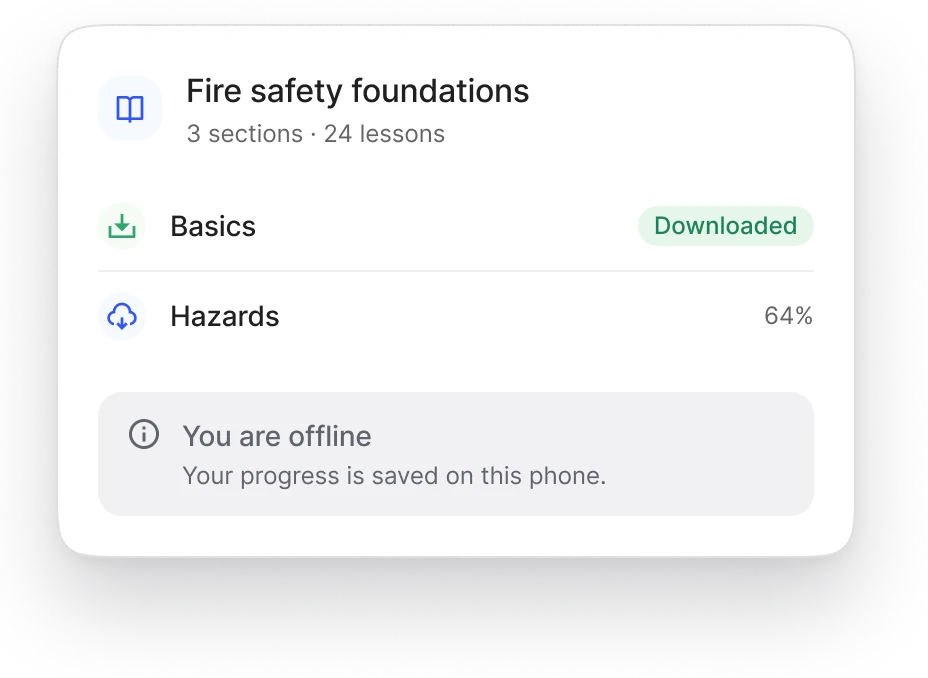
Learners choose what to save: a video, a lesson, or a whole section with its quizzes. Downloads stay in the app, ready for the trip.
2. Offline: learn
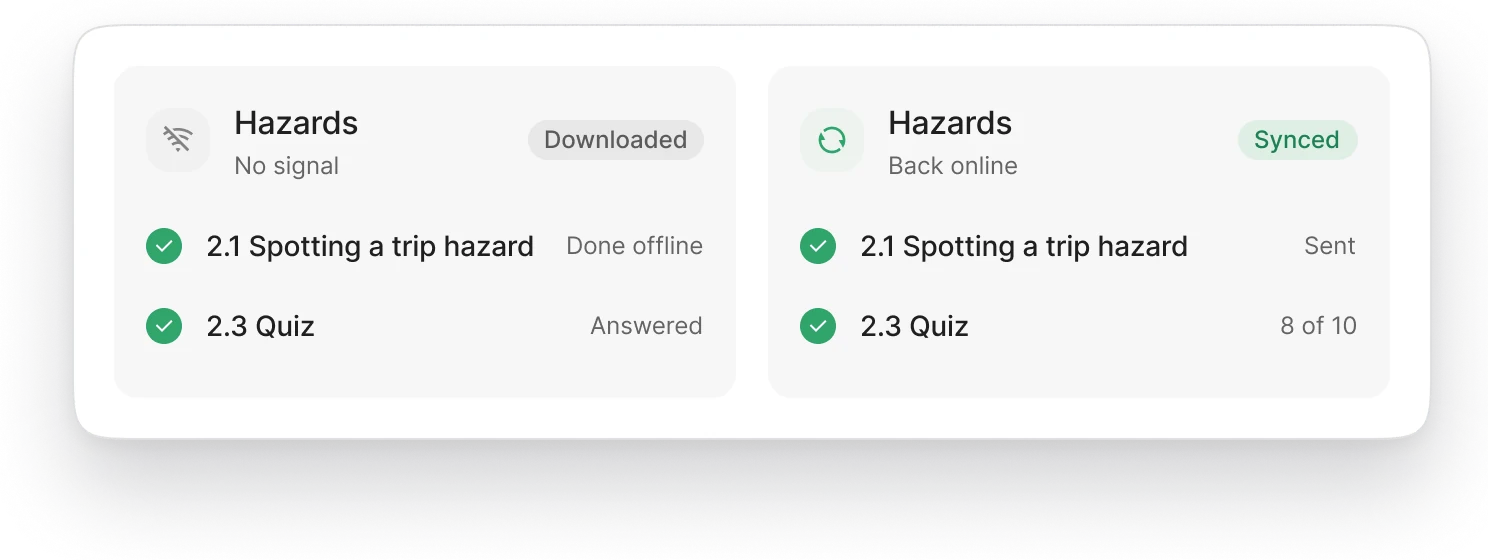
Learners watch the videos, read the lessons and answer the quizzes with no signal. The app keeps their progress and answers on the phone.
3. Back online: sync
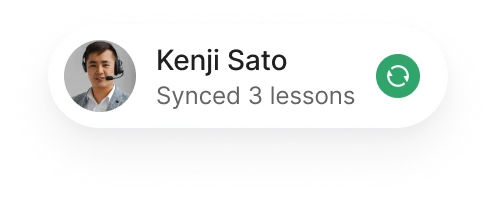
When the phone reconnects, progress and answers go to the platform. Their record on the web matches the app, and the next lesson opens where they stopped.

Field delivery.
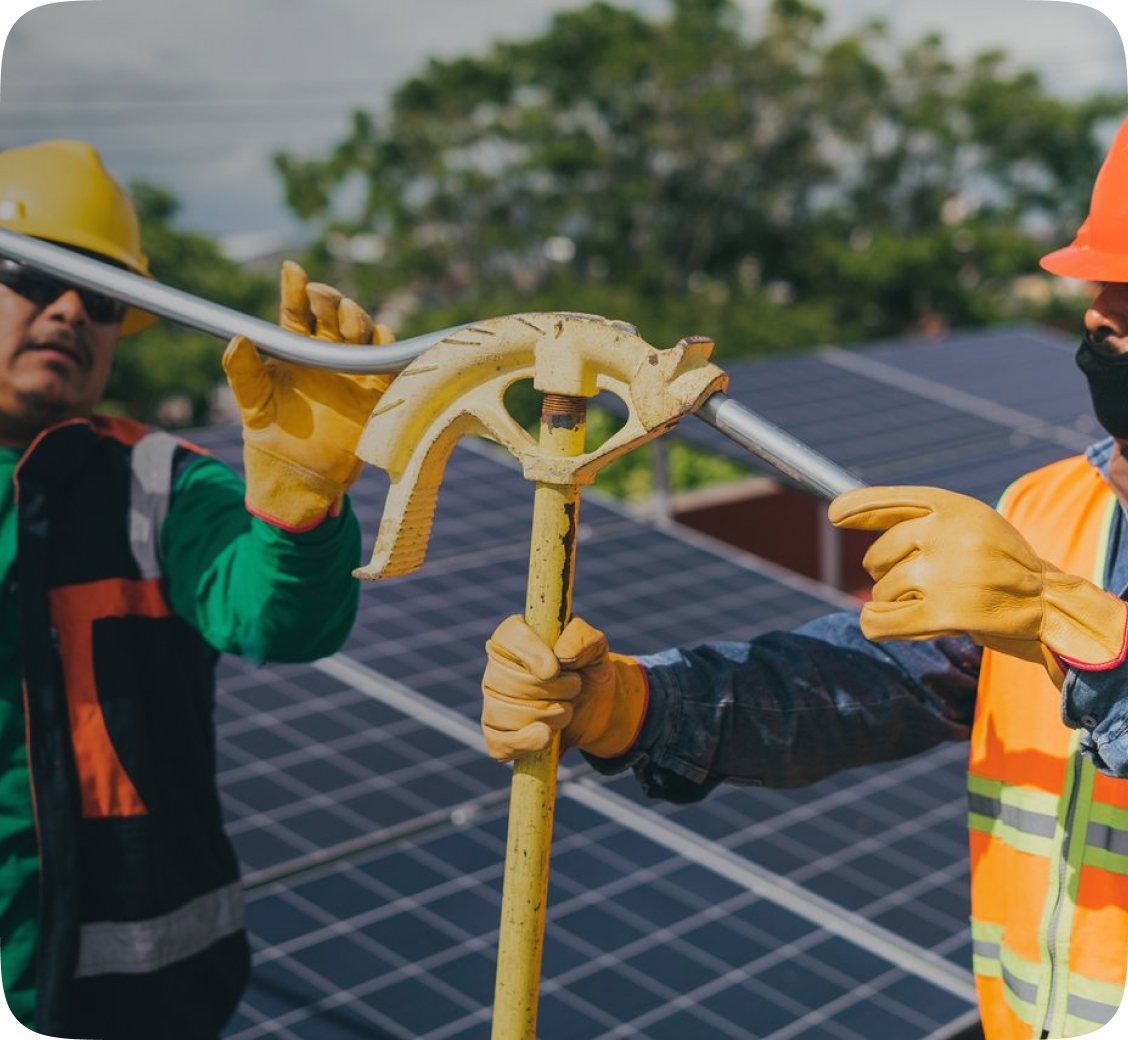
For training where there's no signal at all, such as remote sites, learners download the course before they travel, complete it on site and sync when they're back in range. It's the same app and the same record, so nothing has to be entered again afterwards.
Good to know.
Downloading and syncing need a connection; learning in between doesn't.
Live sessions need a connection to join. A published recording is a video in the course like any other.
Offline learning is part of the mobile app, on iOS and Android.
Related.
Part of Mobile app: everything learners do on their phone.
Branded app on iOS and Android: the app under your own name.
Video and document library: the videos learners download.

See a course work offline.
We'll download a section of one of your courses in the demo, switch the phone to airplane mode and carry on.