A discussion beside every lesson, moderated by your trainers.
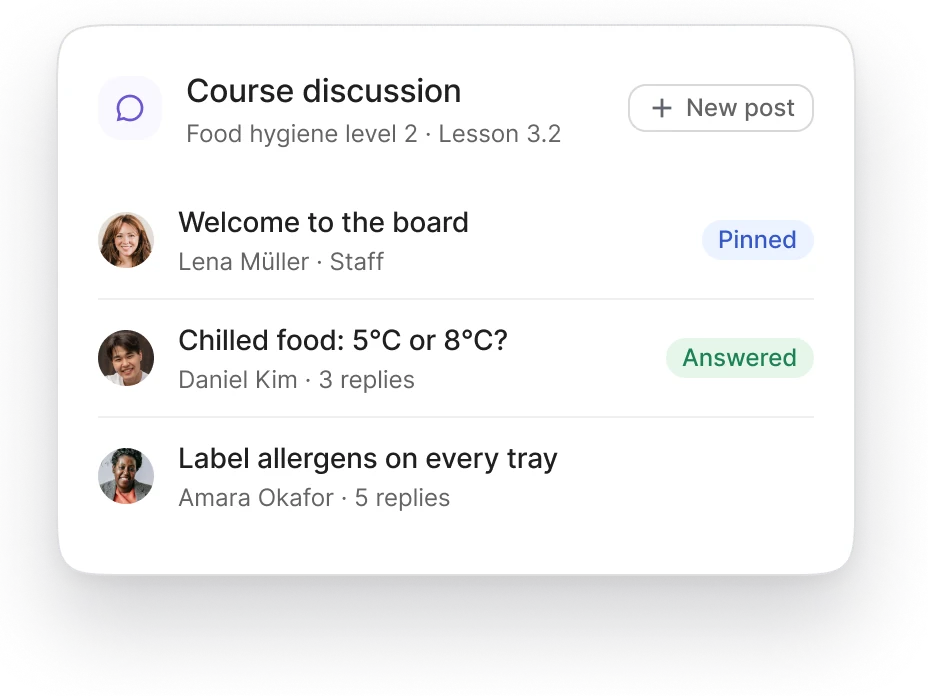
Every course has its own discussion board. Learners post from inside a lesson, so each post is linked to the unit it's about, or from the course's discussion tab.
Who does what.
Learners
Post a question or a discussion, with formatting, links, images and files.
Reply to a post, or to someone's reply.
Upvote useful posts, and follow posts to find them again.
Search, sort and filter by topic, by their own posts or by the posts they follow.
Report a post to the course team.
See new posts from all their courses in one feed.
Trainers and moderators
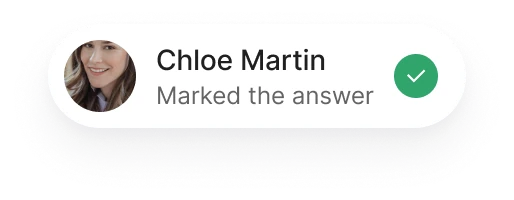
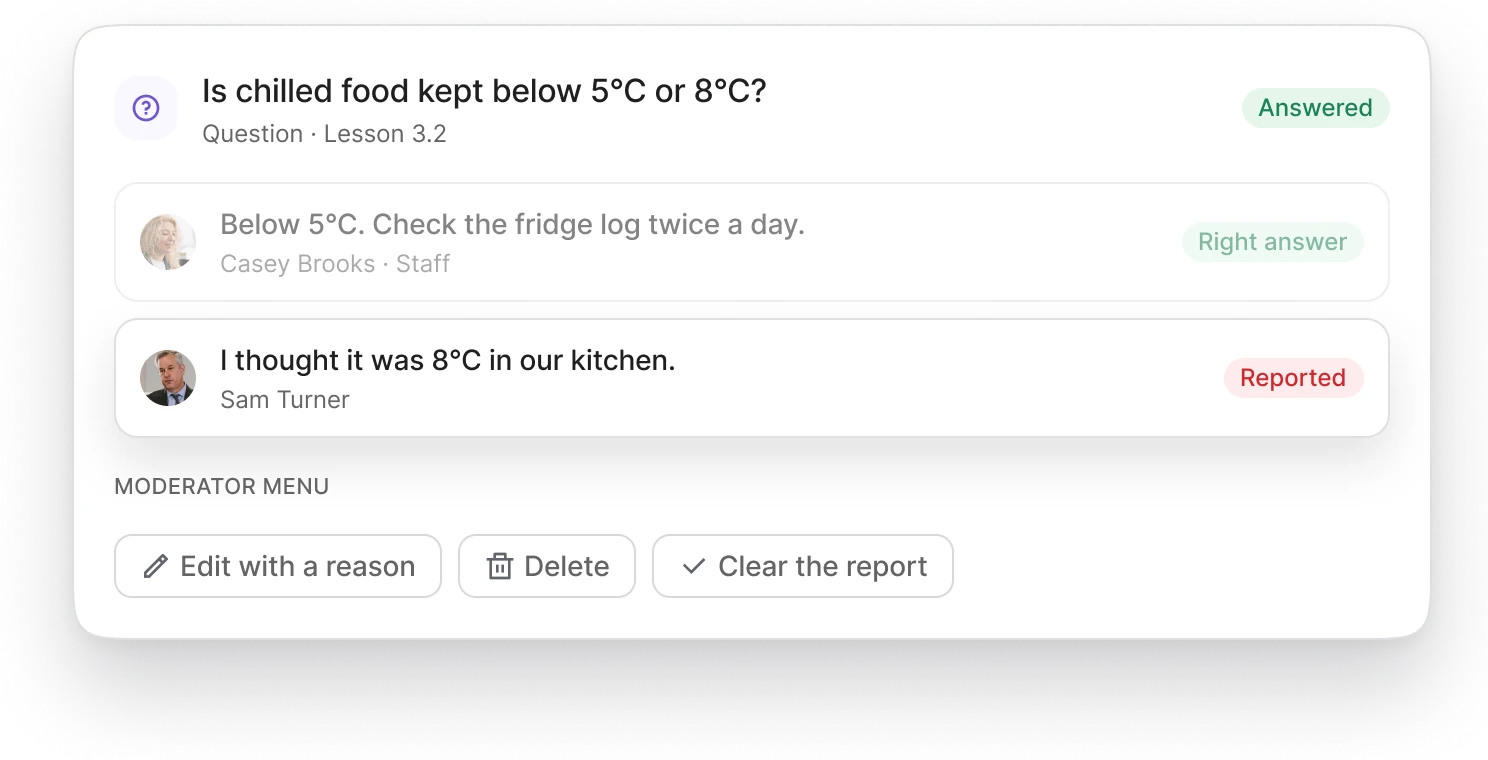
Mark a reply as the right answer, and the question shows a tick.
Pin important posts to the top.
Close a post to new replies, and reopen it.
Edit any post, reply or comment with a reason, such as "Violates community guidelines", or delete it.
Review reported posts in one filter, then edit, delete or clear the report.
Their posts carry a Staff label.
Learners who help moderate
Trusted learners can be given a community TA role, with the same moderation tools.
Their posts carry a Community TA label.
Settings for each course.
Setting
Options
Who moderates
Discussion admins, who also hand out roles; moderators; and community TAs. A group moderator works only in their own batch's space.
When learners can post
Any time, only between set dates, or with blocked periods, such as during an exam.
Discussion spaces
One board for the whole course, a separate space for each batch, or a space for each project team.
Notifications
Learners are told when someone replies to their post or answers their question.
Related.
Part of Community and engagement: points, badges and course reviews.
Cohorts and batches: the batches that can have their own space.
Communication and notifications: reply notifications.
Trainer workspace: where trainers run their courses.

See a discussion run in one of your courses.
We'll open a discussion in the demo and show how your trainers answer, pin and moderate posts.