Every course and program gets a page that sells it.
The page is built from the course itself, so it stays current when the course changes. Add the parts only you can write: the description, the video and the plans.

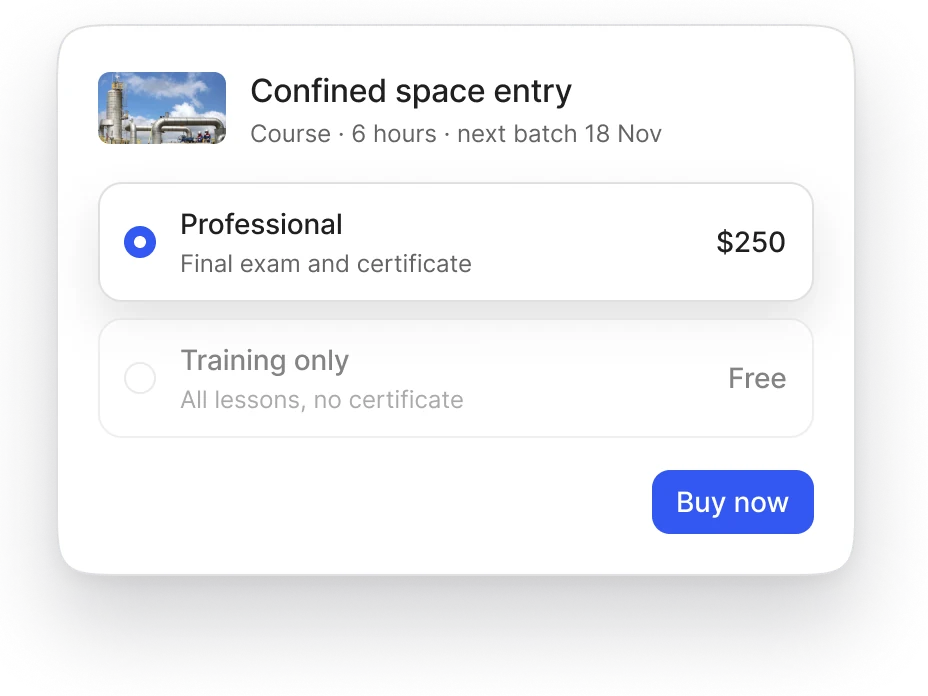
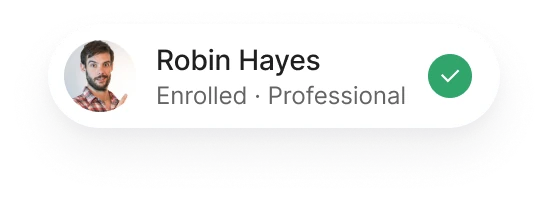
What's on the page, top to bottom.
Part
What it shows
Title, image and description
What the course or program covers. Write them yourself, or let AI draft them for you to edit.
Intro video
A short video at the top of the page.
Outline
The published sections and lessons. A program's page lists its courses and sessions in order, sold as one product.
Time needed
Worked out from the course content.
Trainers
Who teaches the course.
Prerequisites
The courses a learner must pass first, checked before they can buy.
Plans
Under "Choose enrollment plan", each plan's name, price, summary and what it includes. Multiple plans per course →
Dates
For dated courses and programs, the upcoming batches with their dates and seats left, so learners pick one before paying.
Reviews
Star ratings from 1 to 5 with each learner's title and review, shown once your team has checked them.
Terms
The cancellation terms of the offer.
Buy
Enroll now for a free plan, Buy now or Add to cart for a paid one, and a heart to save it to the wishlist.
Found in search.
Each course and program page has its own title and description for search engines, set with the course.
Related.
Part of Selling and e-commerce: every way you sell training.
Storefront and catalog: the catalog that links to each page.
Checkout and payment gateways: what happens after Buy now.
Community and engagement: how learners are asked for reviews.
Programs and learning paths: the stages a program page lists.

See one of your courses as a sales page.
Send us a course you sell today, and we'll show you its page in Blend‑ed, from the outline to the plans.