Take payment at checkout, straight into your own payment account.
Learners pay through the payment provider you connect, and Blend‑ed enrolls them as soon as the provider confirms the payment.

One purchase, step by step.
1
Cart or Buy now
With the cart switched on, learners add several courses and pay once. With it off, each course has its own Buy now button.
2
Guest or signed in
A visitor checks out with just an email address and sets up their account from the link sent after paying. Someone who already has an account is enrolled straight away.
3
Coupon
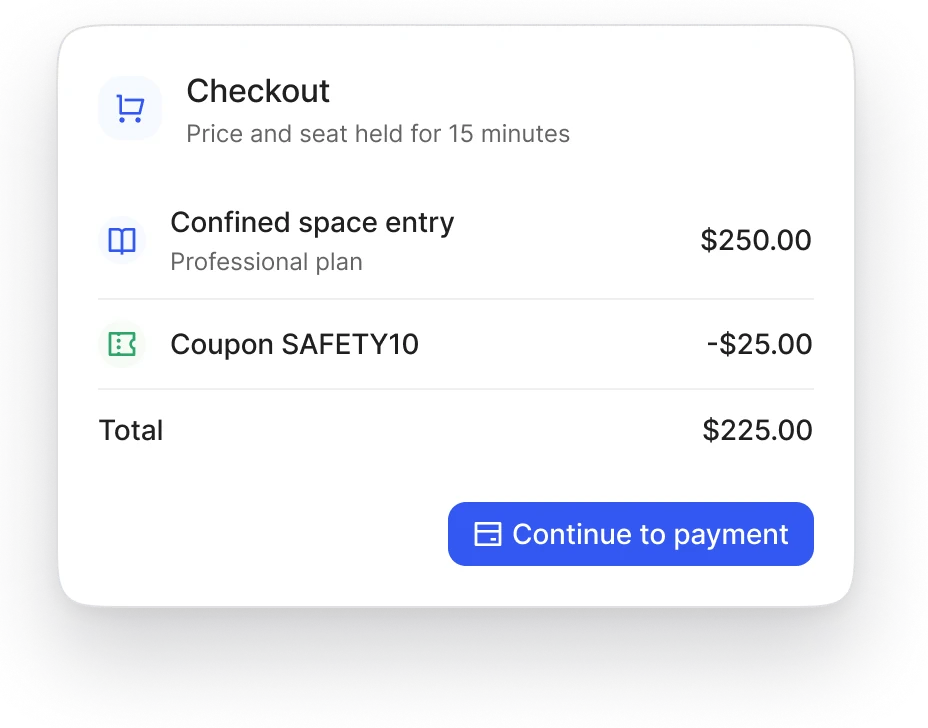
One coupon per order, checked by Blend‑ed before the total is shown. An expired code shows an error and a new total.
4
The price
Blend‑ed works out the price itself, never in the browser, and holds that price and the seat for 15 minutes while the learner pays.
5
Payment
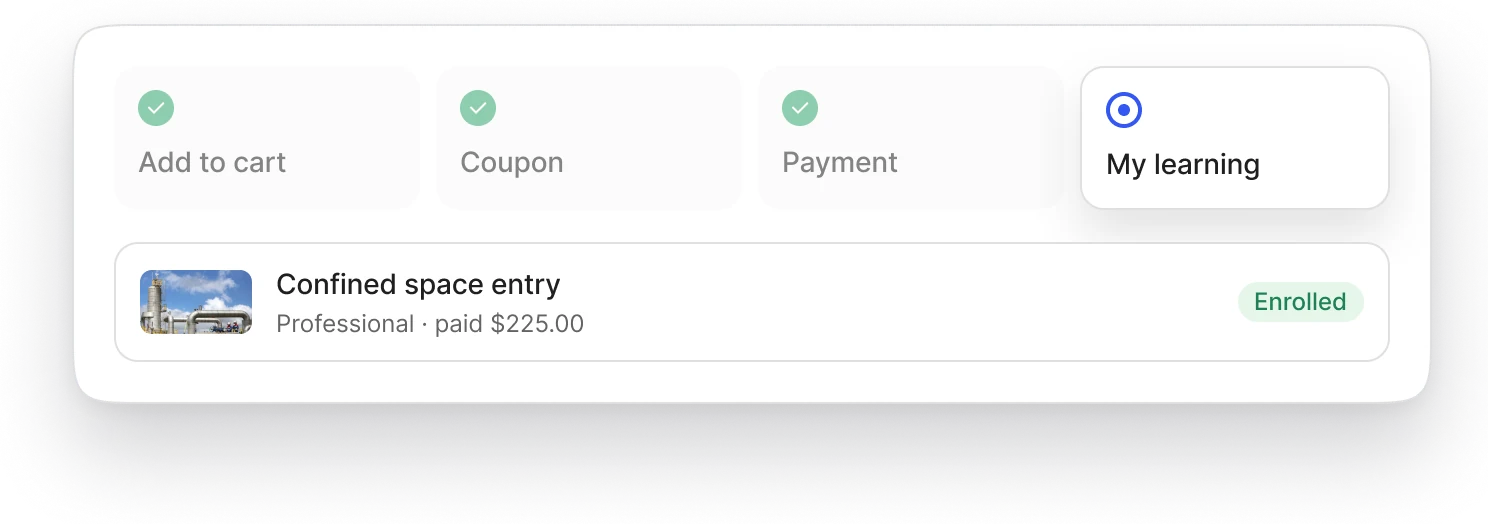
The learner pays on your provider's checkout. Blend‑ed enrolls them when your provider confirms the payment, not when the browser returns. A free order skips this step.
6
After
The course is in My learning, the purchase is in the learner's purchase history, and the sale is in your revenue report.

Connect one of four payment gateways.
Gateway
Covers
Stripe
Card payments and subscriptions, internationally
Razorpay
Card payments and subscriptions, with strong coverage in India
PayTabs
Card payments across the Middle East and North Africa
Geidea
Card payments in Saudi Arabia, Egypt and the UAE
Each organization connects one gateway, so each academy in your account can be paid into its own account. Saved credentials are never shown again, only replaced. Make a test purchase with your provider's test credentials before you switch to live keys.
Related.
Part of Selling and e-commerce: every way you sell training.
Subscriptions and memberships: recurring payments on Stripe and Razorpay.
Invoices, purchase orders and offline payments: company orders paid outside checkout.
Headless storefront: the same checkout from your own website.
Revenue reporting: every payment, in one report.

Watch a purchase from course page to enrollment.
We'll connect a test gateway and buy one of your courses with you in the demo.