Book employees onto session dates, or let them book their own.
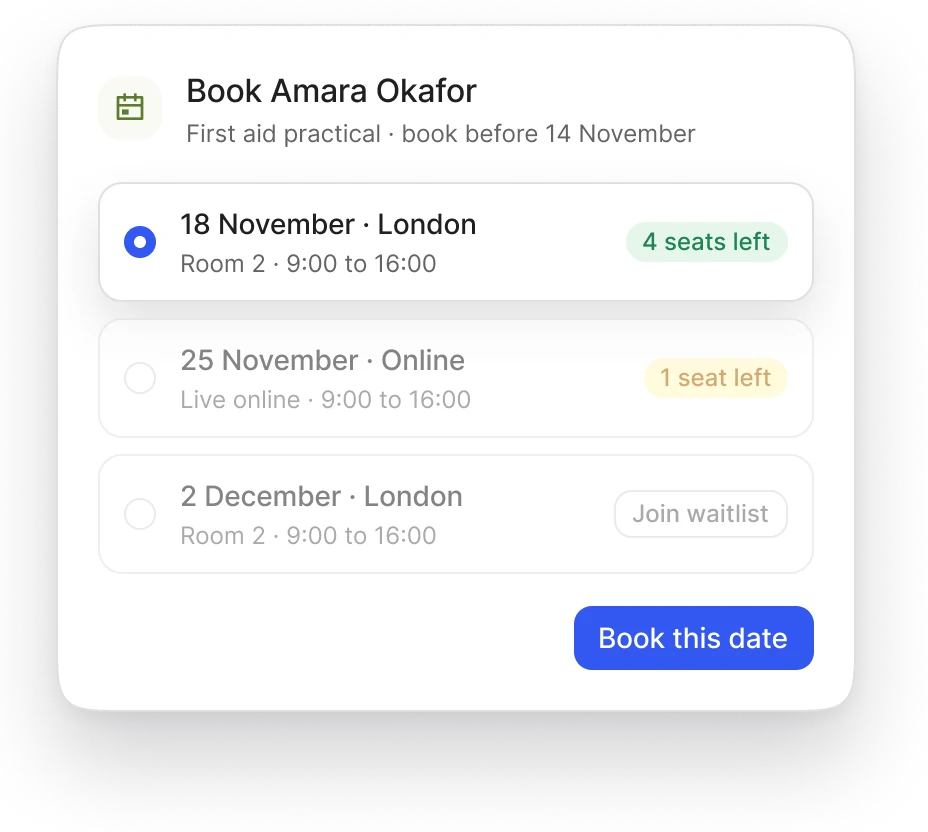
When a client's batch includes a classroom or live online session, each employee needs a date. Either their administrator books it, or the employee does.

Two ways to book.
The administrator books
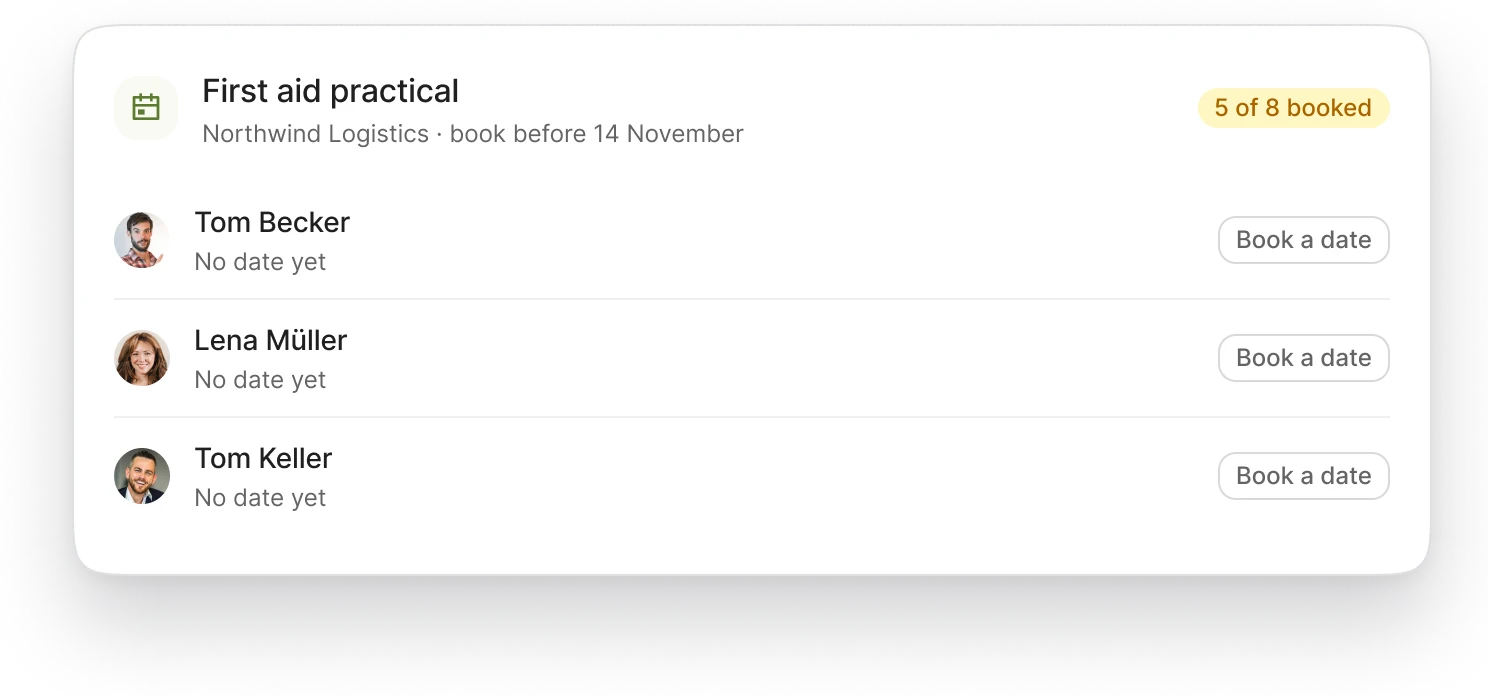
Sees every assigned employee and whether they're booked, for each session in their batch.
Books, moves or cancels a date before the cutoff, against the seats left on that date.
Adds an employee to the waitlist when a date is full.
The employee sees "Your organization will book your session" and the deadline, then their date.
Employees book their own
The administrator only assigns seats.
Each employee picks one of the dates open to them, and changes it before the cutoff.

The rules both follow.
Seat holders only
Only employees holding one of the client's seats can be booked.
Locked sessions wait
A session that opens after earlier training, such as a classroom day after online pre-work, can't be booked until the employee gets there. Your team can still book someone in, and that's recorded.
Deadlines
Whoever books gets a reminder before the booking deadline, and your team sees who isn't booked yet.
Reserved dates
Hold whole dates, or seats on them, for one client.
Who changes a booking
A booking the administrator made can be changed by the client's administrators or your team.
One booking each
An employee two clients sponsor has one booking per date.
Paused accounts
If a client's contract expires or its payment is suspended, nobody can be booked or join through it. Existing bookings stay.
Related.
Part of Corporate clients: everything for training corporate clients.
Flexible session booking: booking from the learner's side.
Session: the dates being booked.
Unlock rules and gating: when a session opens for booking.
Seat purchase and assignment: the seats employees are booked on.

Show us how your clients book dates today.
Bring a client who sends you names by email, and we'll book them onto a date with you in the demo.