Let clients buy seats now and name the learners later.
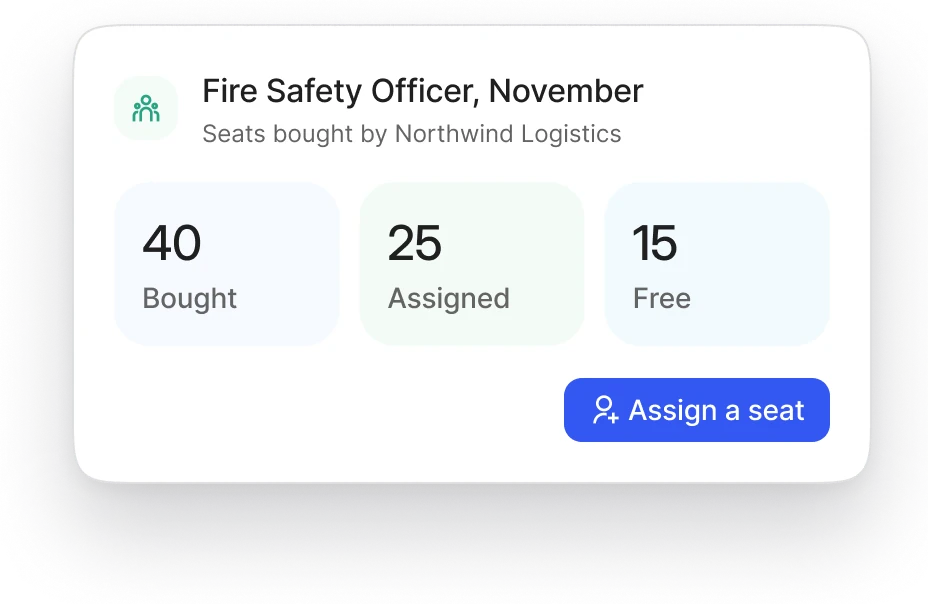
A client buys seats on a batch of a course, program or session. Its administrator gives each seat to an employee when they're ready.

From the first seat to the last.
1
Buy
The client picks a batch and a number of seats, and pays at checkout or on an invoice. The seats belong to the client, for that batch.
2
Count
For each batch, the administrator sees seats bought, assigned and still free. Seats bought but not yet assigned keep their places in the batch, so nobody else can buy them.
3
Assign
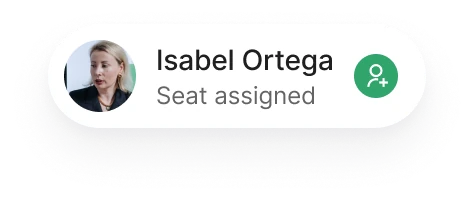
The administrator invites learners, up to the client's learner limit, and gives each one a seat. An invitation not accepted within 14 days expires and frees its seat.
4
Change
Release a seat and give it to someone else until the batch's enrollment closes. After that, a released seat stays empty.
5
Buy more
More seats are a new order at your current prices. The first order doesn't change.
The rules behind every seat.
One learner, one place
A learner another client already sponsors still takes one place in the batch. The second client's seat is used too, and its administrator is told before confirming.
No booking by default
Assigning a seat doesn't book a session date. Booking sessions for employees →
History stays
Removing a learner keeps their progress and earned certificates, and never refunds a seat on its own.
Complimentary seats
Your team can give a free seat with a reason. It still counts toward the batch's capacity.
Related.
Part of Corporate clients: everything for training corporate clients.
Seats and capacity: how a batch counts every seat.
Invoices, purchase orders and offline payments: seats paid on an invoice.
Client administrators: who assigns the seats.

Show us how your clients buy seats today.
Bring a recent company order, and we'll set it up in Blend‑ed with you, from the purchase to the last name.