Learners pick their own session dates, and change them within your rules.
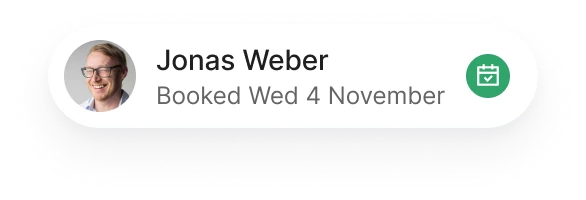
Enrolling in a course or a batch doesn't fix a date. Each learner books the dates that suit them, from the ones open to them, for every session they need.

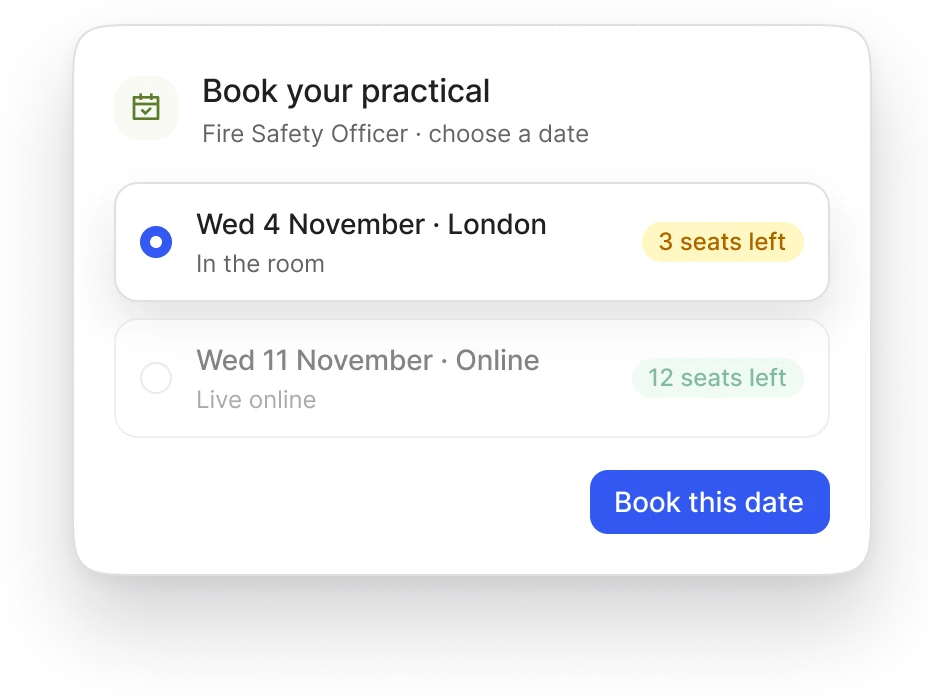
Which dates a learner can book.
In a dated batch: the dates you offer that batch, including dates reserved for it.
With always-open enrollment: any open date within the learner's own access period, such as 90 days from joining.
In a series: one date for each part.
Learners filter the dates by format and place.
Before the date, and when plans change.
Before the date
Booking window: booking opens when the session unlocks for the learner and closes a set number of hours before the date.
Change or cancel: up to the cutoff. A canceled place opens up for someone else.
Full date: the learner joins the waitlist, and is booked in when a place frees up.
Deadline: a reminder goes to anyone who hasn't booked by your deadline, and your team sees who is missing.
When plans change
You move a date: bookings stay, learners are told, and they get a set time to cancel for free.
You cancel a date: learners are asked to book another date of the same session.
A learner misses a date: they book a make-up on another open date. An absence never blocks rebooking.
Who can book.
Learner
Who books the date
What the learner can do
Bought their own place
The learner
Book, change, cancel and join a waitlist
Enrolled by an employer
The employer's administrator, or the learner if the employer lets them
See the booking and join
Anyone
Your staff, on the learner's behalf, with every change recorded
Join
Your staff can also book a learner into a session that's still locked for them. The override is recorded.
Booking sessions for employees →Related.
Part of Scheduling and booking: every date in one training calendar.
Session: what a learner sees at each step of a booking.
Seats and capacity: how places are counted.
Recurring sessions and multi-day series: the dates learners choose from.

Show us how learners book with you today.
We'll put a session on three dates in the demo, then book, change and waitlist a learner on it.