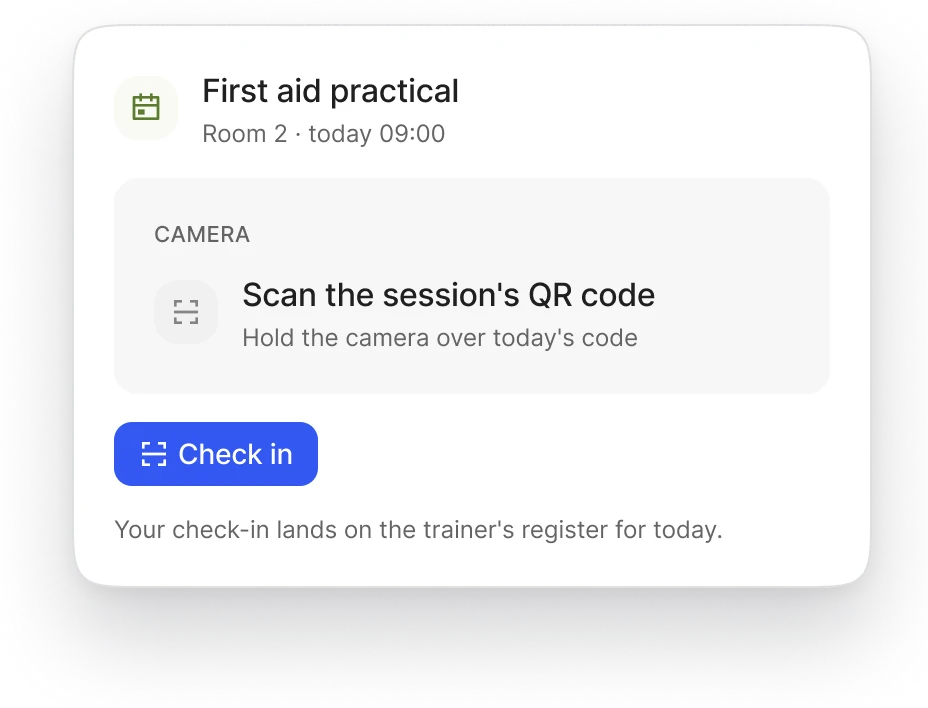
Learners check in to a classroom session by scanning a QR code.
Check-in happens in the mobile app, so there's no paper sign-in sheet to type up afterwards. Every check-in lands on the trainer's register for that day.

From the classroom door to the attendance that counts.
1
Arrive
On the day, the learner opens their booked session in the mobile app.
2
Scan
They scan the QR code for that day's session.
3
Recorded
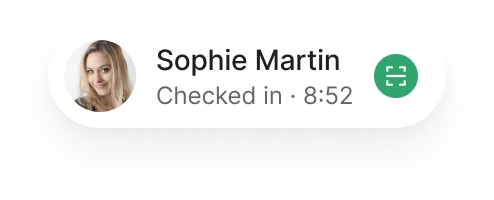
The check-in is saved against that day, with the time, and shows on the trainer's register as checked in by QR.
4
Counted
The day counts toward the attendance the course or program requires, the same as a day the trainer marks.
On a session that runs over several days, learners check in each day, and each day is counted on its own.
Check-in and the register work together.
The trainer has the last word
The trainer sees who has checked in, marks anyone else present or absent, and corrects a check-in with a reason. Trainer registers and sign-off →
Hybrid dates use both sources
Learners in the room check in, and learners online are counted from the meeting report. Automatic attendance from live sessions →
The source stays on the record
Every day's attendance shows whether it came from a check-in, the register or the meeting report, which is what an auditor asks to see.
Related.
Part of Attendance tracking: every source of attendance, and the reports.
Mobile app: the app learners check in with.
Session: the classroom dates learners book and check in to.
Attendance-based completion and certificates: how the days count toward the certificate.

See check-in on one of your classroom courses.
We'll set up a classroom date with you and check in from a phone in the demo.