A digital register for every session date, with every correction on record.
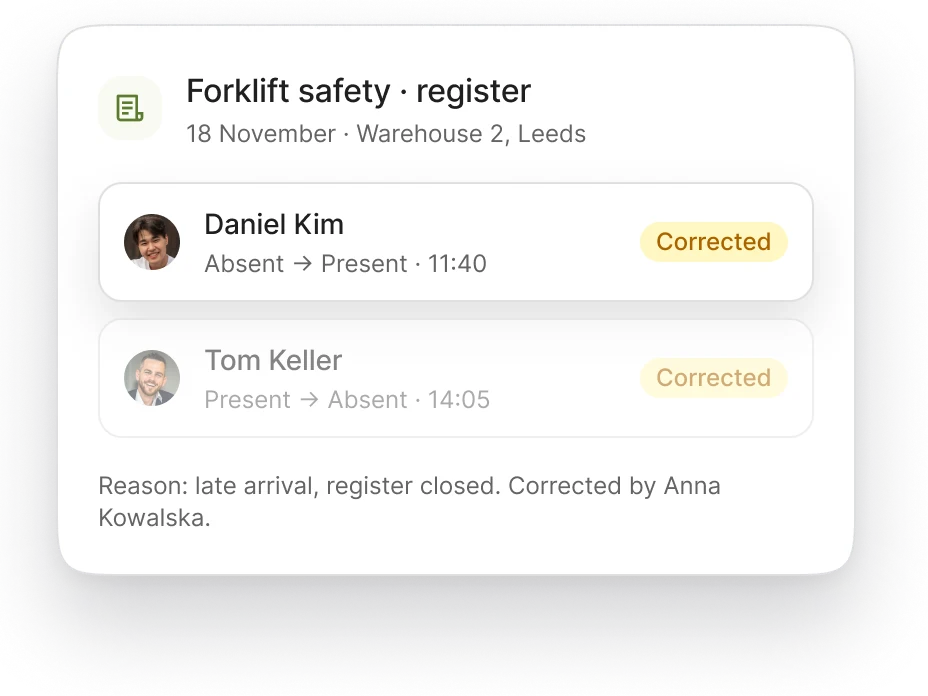
The trainer marks attendance for each day, signs off a pass or fail where the training needs it, and corrects mistakes with a reason. Blend‑ed keeps the original and the change.

One register, part by part.
1
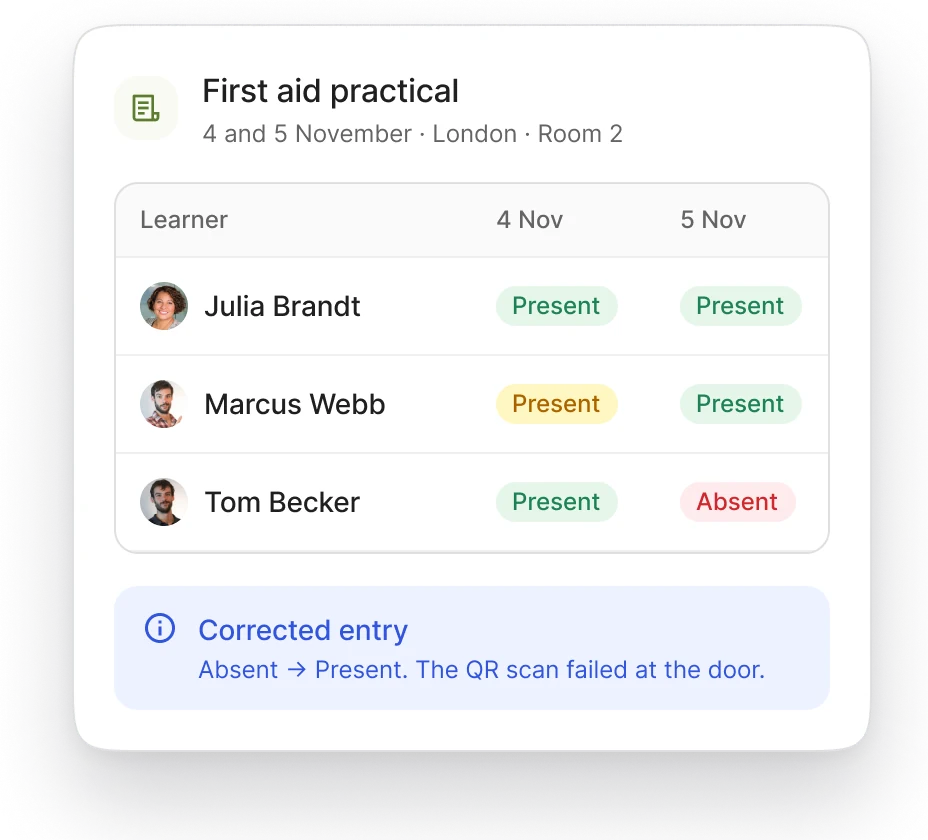
Learners: everyone booked on this date, and nobody else.
2
A status for each day: present or absent, one column for each day of a two-day date.
3
Source: marked by the trainer, checked in by QR, or, on a hybrid date, taken from the meeting report.
4
Sign-off: pass or fail, where the session needs a trainer's sign-off.
5
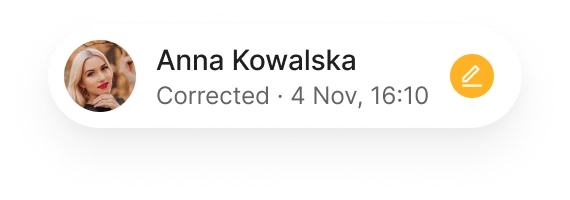
A corrected entry: "Absent → Present. Reason: QR scan failed at the door. Sara Ali, 4 November, 16:10."
6
Export: the register for this date, for a client or an auditor.

Who can mark and correct.
Role
Mark and sign off
Correct
Trainer named on the date
For the learners booked on it
Yes, with a reason
Trainer of the cohort
For every learner in the cohort
Yes, with a reason
Program Manager
Yes
Yes, with a reason
Auditor
Reads only
No
A trainer opens only the registers of the dates and cohorts they're assigned to.
A correction is allowed only for days before a learner's access ended, for example when their employer's contract has expired. Later days can't be credited.
When a correction completes a learner's requirement, the certificate is issued only after the usual checks run again.
Related.
Part of Attendance tracking: every source of attendance, and the reports.
Trainer workspace: where trainers open their registers.
Scan-to-check-in for classrooms: check-ins that land on the register.
Audit trail: every recorded change across Blend‑ed.
Evidence exports: registers and other records for an audit.

Bring a register your trainers fill in today.
We'll show you the same register in Blend‑ed, with a correction and the record it leaves.