Sell to companies on an invoice, and record what they pay outside Blend‑ed.
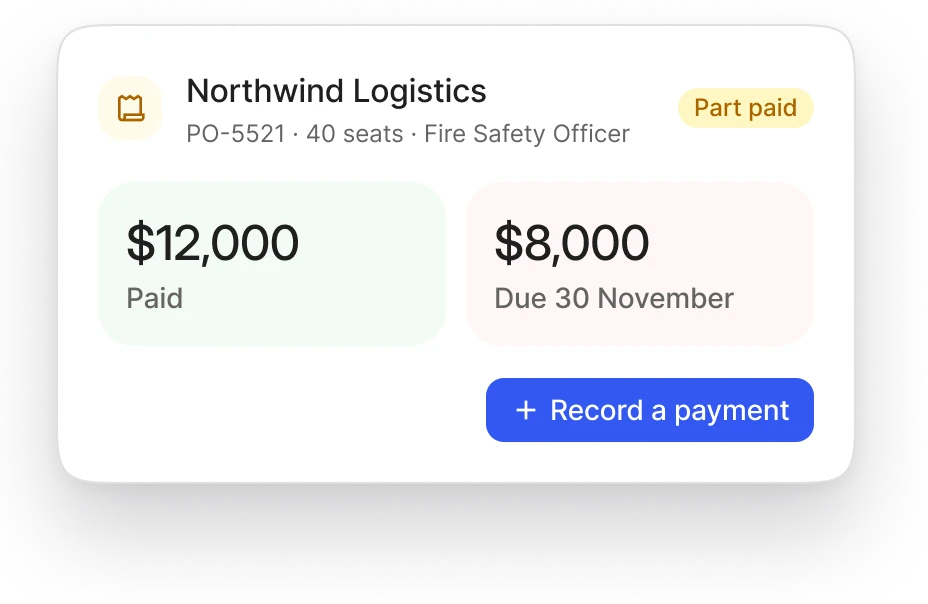
For company orders paid by bank transfer, against a purchase order or on agreed terms. Your team records each payment, and every order shows what is still owed.

A company order, from order to paid.
1
The order
A company orders seats on a batch. Your team records the order with its invoice details, the purchase order number and the payment due date.
2
When the seats open
The seats can be used once the order is paid in full, or straight away if your team approves credit terms for that client. Approving credit needs its own permission, and every approval is recorded.
3
Payments in
Record each bank transfer, cash or cheque payment with its reference, its date and proof of payment. It counts toward your revenue, and the order shows what's still owed.
4
Overdue
A balance still owed after the due date shows as overdue. Your team can then suspend the client's access until it's paid: learning stops at once, and seats, assignments and earned certificates are kept.
5
Settled
Record the payment and lift the suspension. Learners carry on where they stopped, with no seats to reassign.
Blend‑ed records what each client has paid. Your accounting software keeps the books.
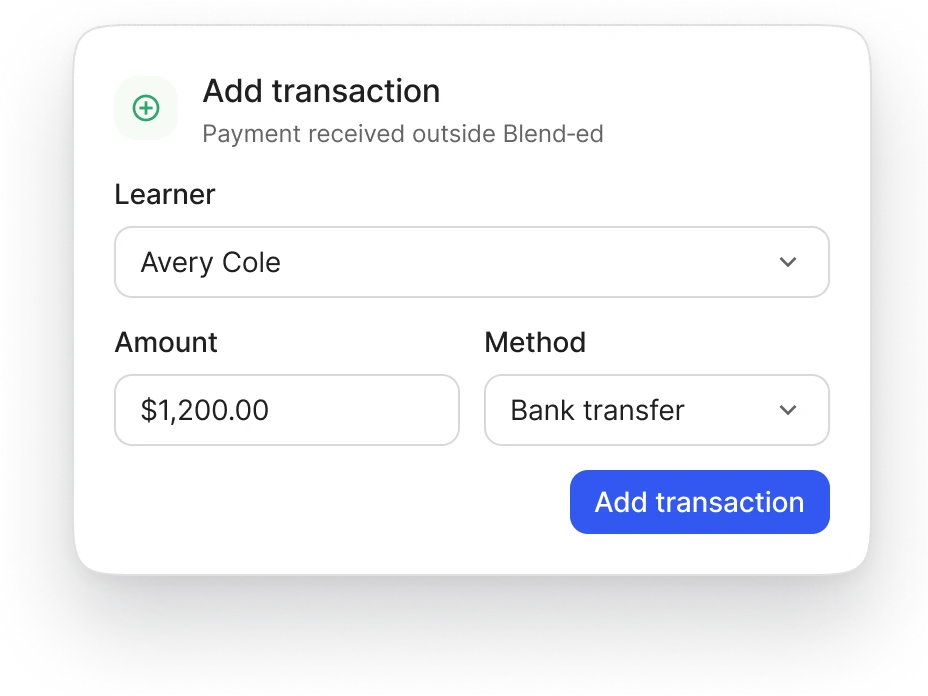
One learner who paid outside Blend‑ed.
Enroll the learner first, then add the payment on your revenue page: the course or program, the amount and currency, a reference such as the invoice number, and the date it was paid. Adding a payment doesn't enroll anyone by itself.

Refunds.
A refund covers a whole order and needs your team's approval. Removing a learner, an expired invitation or a canceled booking never refunds anything on its own.
Related.
Part of Selling and e-commerce: every way you sell training.
Seat purchase and assignment: what the client does with the seats it bought.
Client organizations and portals: a client's access, suspension and renewal.
Revenue reporting: payments made online and offline, in one report.
Checkout and payment gateways: orders paid online.

Bring an order you invoiced last month.
We'll record it in Blend‑ed with you, from the order to the last payment.