Every training sale in one report, including payments taken outside Blend‑ed.
The revenue report lists each course and program purchase made through your payment gateway, and each payment your team records by hand, so the total is complete.

What the report shows.
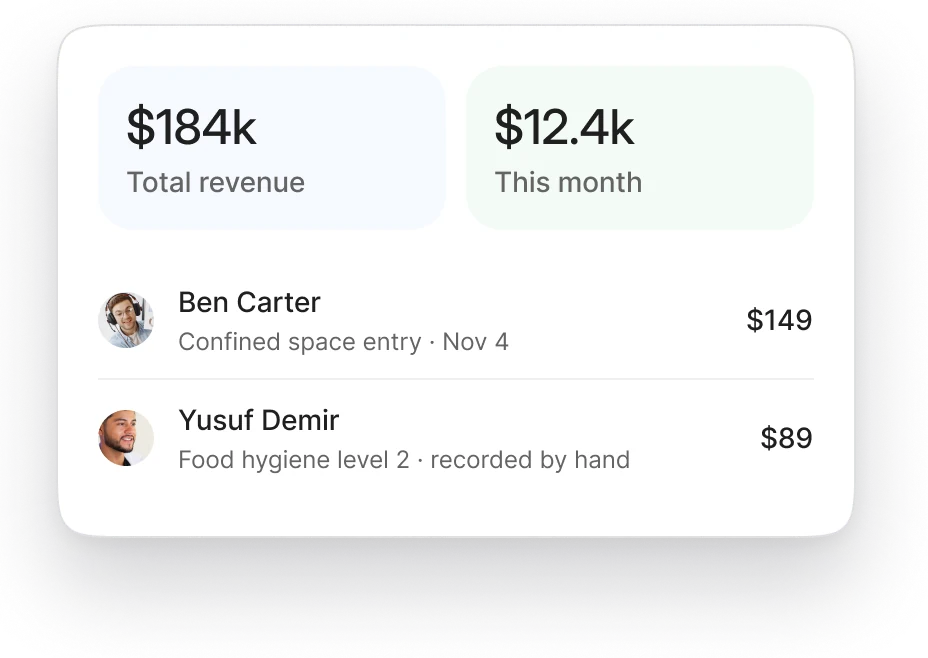
Three numbers: total revenue to date, revenue this month so far, and the paid rate, the share of transactions that were paid rather than free.
Every transaction: the buyer, the item, whether it's a course or a program, the price and the date. Search and filter the list.
The selling organization: each payment is stamped with the organization that sold it, so each academy's revenue stays separate.
Subscriptions: each renewal appears as it is paid.
Regional prices: the region, the discount and the original price are recorded with the transaction.
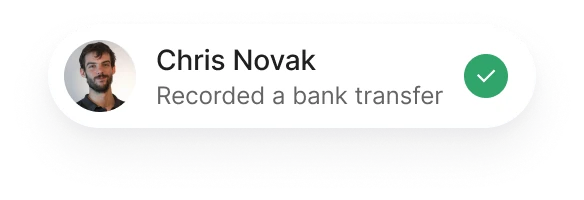
Record a payment taken outside Blend‑ed.
For a bank transfer, cash or a paid invoice, add the transaction to the report.
Field
What you enter
Course or program
What the learner paid for
Learner
Picked from the learners enrolled in it
Amount and currency
What was paid, and in which currency
Payment reference
The invoice or receipt number, to match your accounting records
Payment date
The day the payment arrived, if it wasn't today
The payment counts toward your totals as soon as you save it. Recording a payment doesn't enroll anyone, so enroll the learner first.
Related.
Part of Analytics and reporting: every report in Blend‑ed.
Checkout and payment gateways: where gateway payments come from.
Invoices, purchase orders and offline payments: company orders and credit terms.
AI analytics: ask for a revenue figure in plain language.

See last month's sales the way Blend‑ed reports them.
We'll show you the revenue report on sample data, and record a bank transfer with you.