Run one session date for a room and an online group at the same time.
A hybrid date has two kinds of seat, each with its own limit. Learners choose a seat in the room or online when they book, and both groups count toward the same completion rule.

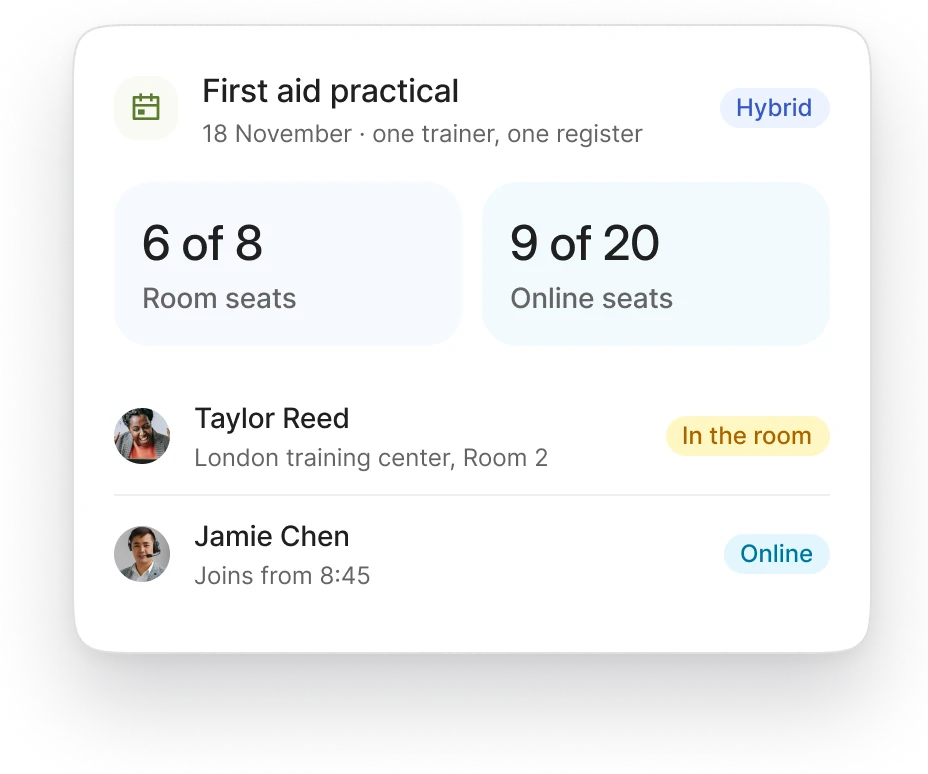

The same date, from both seats.
In the room
Online
Booking
A room seat, up to the room limit
An online seat, up to the online limit
Before the day
The venue, room and map, with a calendar invite
The date and time in their own time zone, with a calendar invite
Joining
Check in at the door with the mobile app
Join inside Blend‑ed, from 15 minutes before the start
Attendance
From the check-in or the trainer's register
From the online session's attendance report
If you record the date, the recording is published to attendees and added to the course.
What the two groups share.
One register: the trainer sees both groups on one list for the date, and signs it off once.
One completion rule: room and online attendance count toward the same minimum.
Separate limits: a full room doesn't close the online seats, and the other way round.
A format for each date: the same session can be hybrid on one date and classroom or online on the next, with no separate session for each.
Related.
Part of Training delivery
Session: where each date gets its format and seats.
Flexible session booking: how learners choose a date and a seat.
Automatic attendance from live sessions: attendance for the online group.
Scan-to-check-in for classrooms: attendance for the room.

Show us a session you run in both places.
We'll set up a hybrid date with you, with room and online seats, and show both learners' views.