Put your logo, colors and web address on every screen.
Your administrators set the logo, favicon, brand color and dashboard banner in the platform settings, with a live preview. Each academy in your account sets its own.

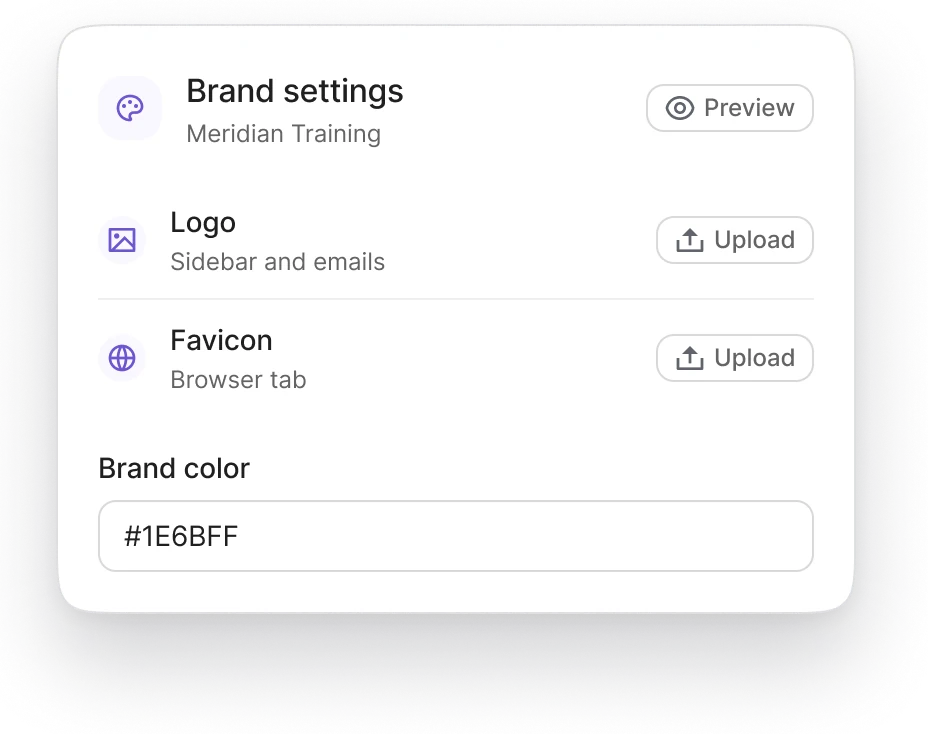
Logo and favicon.
Image
Size
Where it shows
Logo
48 × 48 pixels
The sidebar, when it's collapsed
Full logo
240 × 48 pixels
The sidebar, when it's open
Favicon
64 × 64 pixels
The browser tab
Each image has a light and a dark version, because learners choose their own theme. Transparent PNG files work best on both.
Brand color.
One color for buttons, links and highlights across the platform. Pick one of ten presets or enter your exact hex value. After saving, check a page with buttons: a very light color makes white button text hard to read.
Dashboard banner.
A banner at the top of every learner's dashboard, in one of three layouts:
Hero: a full background image with text over it.
Split: text and a button on the left, an image on the right.
Minimal: a compact strip with text and a button.
Each has a title of up to 36 characters, a description of up to 120, a badge, and one or two buttons with their links.
Your own web address.
Learners reach Blend‑ed at your address, such as learn.yourcompany.com. We set it up with you when you start, and every academy and client portal in your account uses it. A corporate client's portal can carry the client's own logo and colors instead of yours.
Client organizations and portals →Related.
Part of White label and branding: your brand on every screen, email, certificate and app.
Storefront and catalog: the banner on your storefront.
Branded certificates: your brand on every certificate.
Branded app on iOS and Android: your brand on learners' phones.

See Blend‑ed in your colors.
Send us your logo and brand color, and we'll show you the platform in your brand in the demo.