Assign a trainer to a date or a whole cohort, and their access follows.
Name a trainer, and they can host, take the register and record results for those learners straight away. Take them off, and that access ends.

Two ways to assign a trainer.
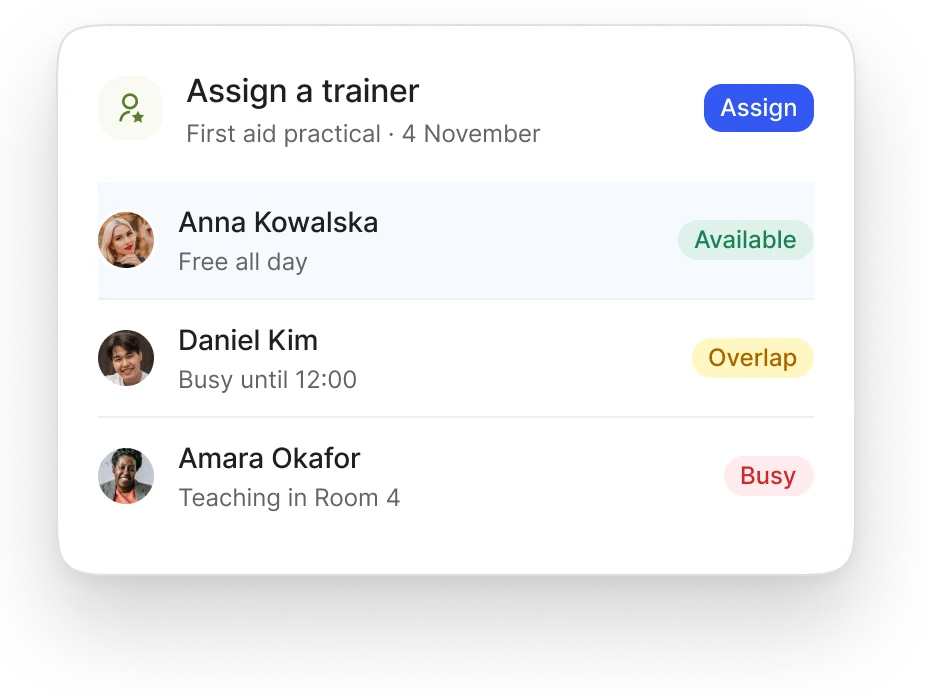
To one session date
To a whole cohort
Use it for
One run of a session, such as a first aid practical on 4 November
A cohort a trainer leads from start to end
How it's set
Your team names the trainer when it schedules the date
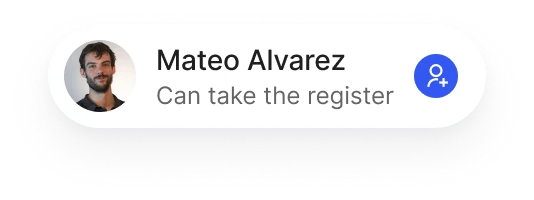
Your team gives the trainer a role limited to that cohort
What the trainer gets
Hosting, the register, sign-off and pass or fail results, for the learners booked on that date
The same, for every learner in the cohort
When it ends
When they're taken off the date
When the role is removed, or on the end date you set
Check before you assign.
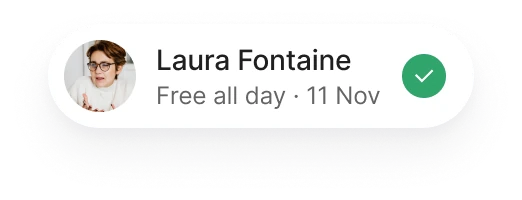
See their week
Every session a trainer already has shows in the training calendar before you add another. Training calendar →
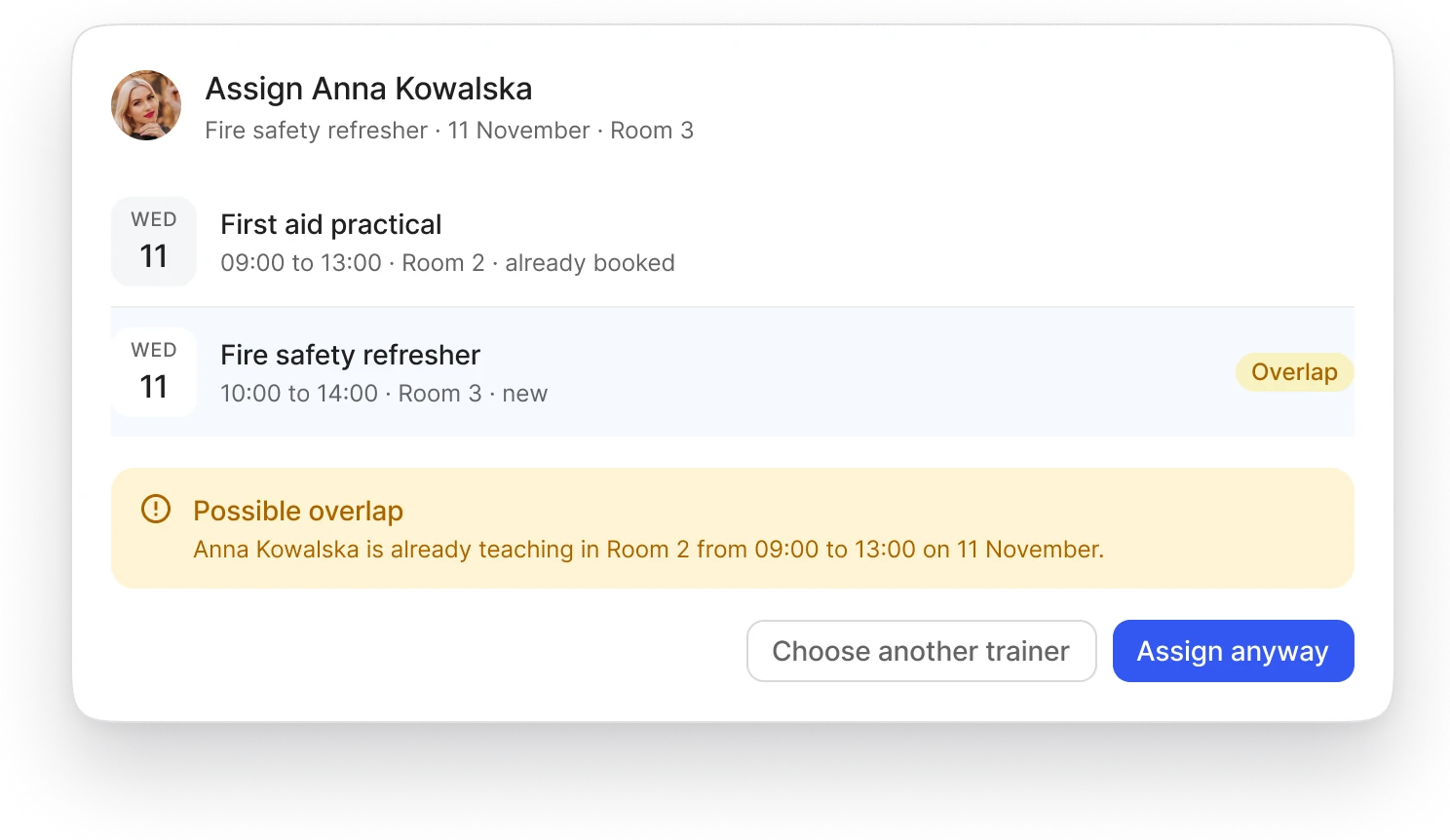
A warning, not a block
If the new date overlaps a session they already have, Blend‑ed warns you, and your team decides. The same warning covers rooms.
Nothing outside the assignment
A trainer named on one date can't open the register of a date they aren't named on.
Check qualifications first
The trainer's record shows what they're approved to teach. Trainer profiles and qualifications →

Related.
Part of Trainer management: assigning, scheduling and supporting your trainers.
Session: the dates you assign trainers to.
Cohorts and batches: the cohorts a trainer can lead.
Roles and permissions: the trainer role, and narrower custom roles.

Show us next month's trainer schedule.
We'll assign the same trainers in Blend‑ed and show you the warning before a clash.