One calendar for your team, and a schedule for every learner.
Your team sees every batch, session and deadline across the academy. Each learner sees only their own dates. Both read the same records, so a moved date changes everywhere at once.

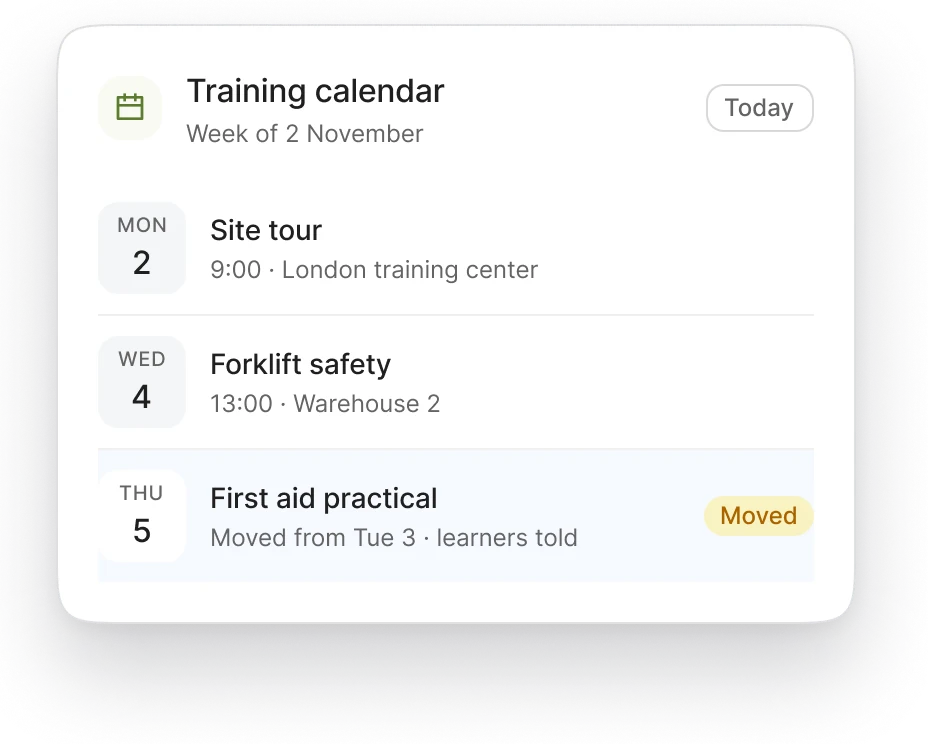
Two views of the same dates.
Your team's calendar
Agenda, week and month views, with a filter and a button back to today.
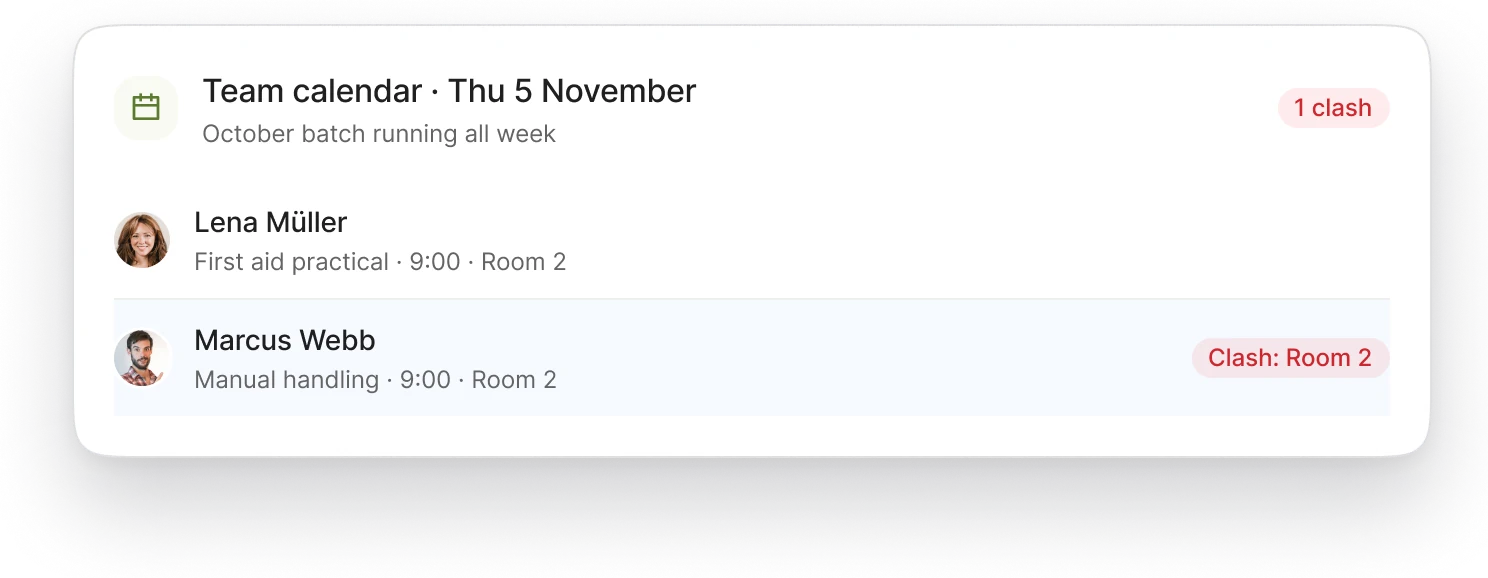
Sessions with their trainer and room, batch start and end dates, release dates and deadlines.
A warning when a trainer or room is booked twice at the same time.


Each learner's schedule
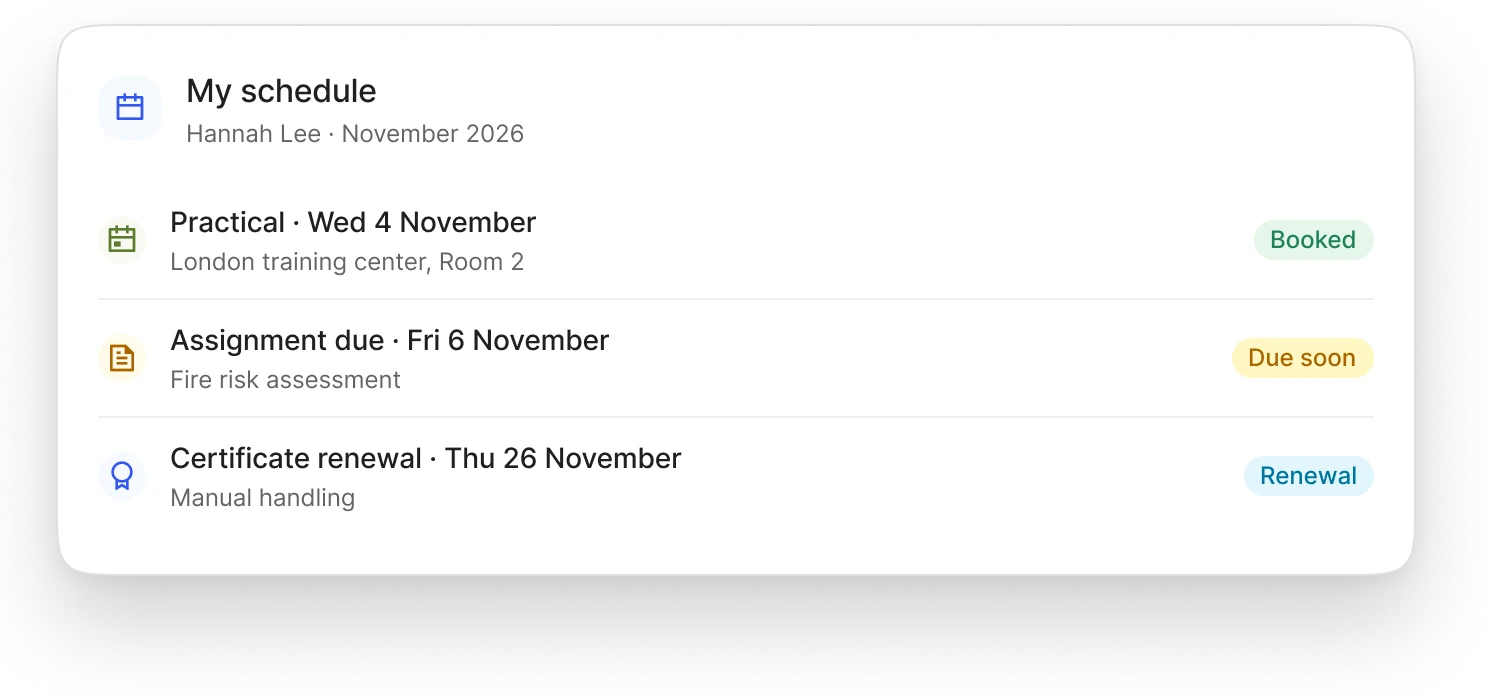
The same three views, showing only their own dates.
Session dates and start times in their own time zone, with the venue or the Join button.
Deadlines, release dates and certificate renewal dates.
Their next date on the dashboard, and every date in Google, Outlook or Apple Calendar, updated when you move it.

Add an event to the calendar.
Field
What you set
Basic details
A title, a description and a category.
Date and time
When it starts and ends.
Location
A venue, or online with a link.
Audience
Learners, staff, admins, teams, courses or programs. Send it to a course, program or team rather than to names, and people who join later get it too.
An event tells people about something. Real deadlines and release dates are set in the course, and the calendar shows them.
Related.
Part of Scheduling and booking: batches, sessions and bookings.
Recurring sessions and multi-day series: dates created from one setting.
Venue and room management: the rooms on the calendar.
Trainer availability and assignment: each trainer's week.
Learner dashboard: where a learner's next date appears.

See next month in one calendar.
Bring your training dates. We'll put a month of them in the calendar in the demo and show one learner's schedule.